What is a Twitter follower tracker?
A Twitter follower tracker helps you understand how your X/Twitter audience is changing: who follows you, who you follow, which accounts do not follow you back, and which relationships may be worth reviewing. If you have ever wondered who unfollowed me on Twitter, using a safe archive-based tracker is the only reliable way to check.
The phrase still says Twitter because that is what most people search for, but the same workflow applies to X. The important question is not only what a tracker shows. It is how it gets the data.
Some follower tracker apps ask you to sign in with your X/Twitter username and password. Others ask you to connect your account through a third-party service. A safer option is to use the data export that X already gives you, then analyze the follower and following lists without handing your account login to another app.
Check Your X/Twitter Followers Safely
Upload your official X/Twitter archive to compare followers, following, mutuals, fans, and accounts that do not follow you back. No X password required.
Open the X Unfollower TrackerWhy people want to track Twitter followers
Follower counts are easy to see, but they do not explain much by themselves. If your number goes up or down, you still may not know what changed.
A useful Twitter follower tracker can help answer questions like:
- Which accounts do I follow that do not follow me back?
- Which accounts follow me even though I do not follow them?
- How big is my following list compared with my follower list?
- Are there obvious cleanup candidates in my following list?
- Did my account relationships change between two archive exports?
For creators, founders, community managers, and everyday users, that context can be more useful than a raw follower count.
The safer way: use your official X/Twitter archive
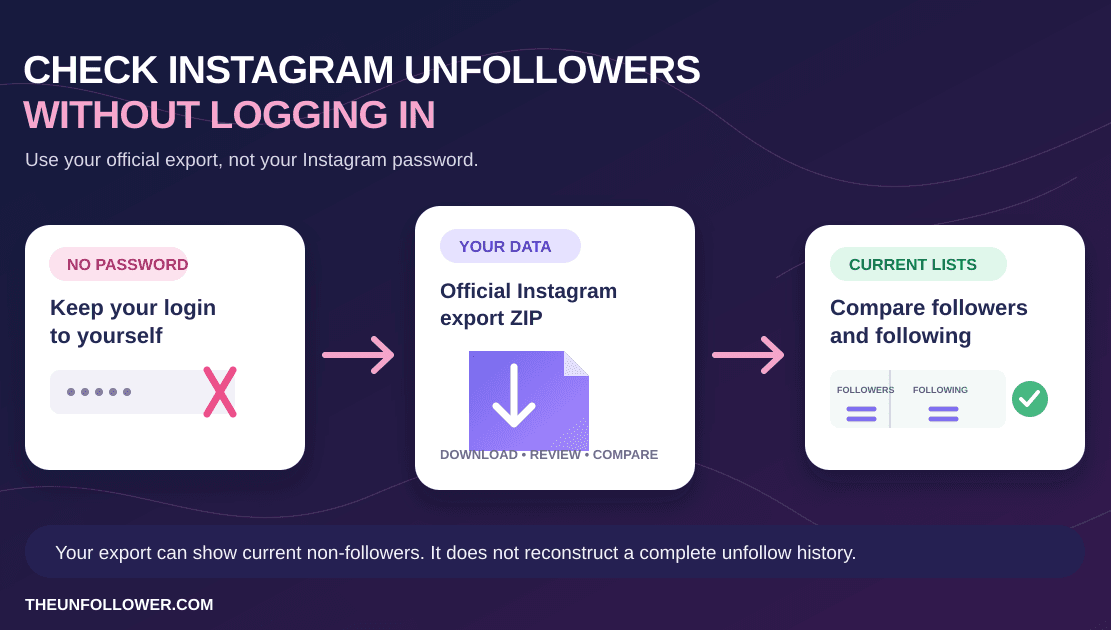
X/Twitter lets you download an archive of your account data. Depending on the export, that archive can include follower and following information. TheUnfollower reads the relevant relationship files and compares the lists for you.
That means you can track Twitter followers without giving TheUnfollower your X password and without letting a tool automate actions on your account.
The safe workflow is:
- Request your official X/Twitter archive.
- Download the ZIP file when X prepares it.
- Upload the ZIP to the Twitter unfollower tracker.
- Review followers, following, mutuals, fans, and non-followers.
- Make any cleanup decisions manually inside X.
If you have never requested the archive before, follow the step-by-step guide: how to download your X/Twitter archive.
What TheUnfollower can show from your archive
With the right follower and following files in your archive, TheUnfollower can compare your followers vs following lists and organize accounts into practical groups.
Not following you back
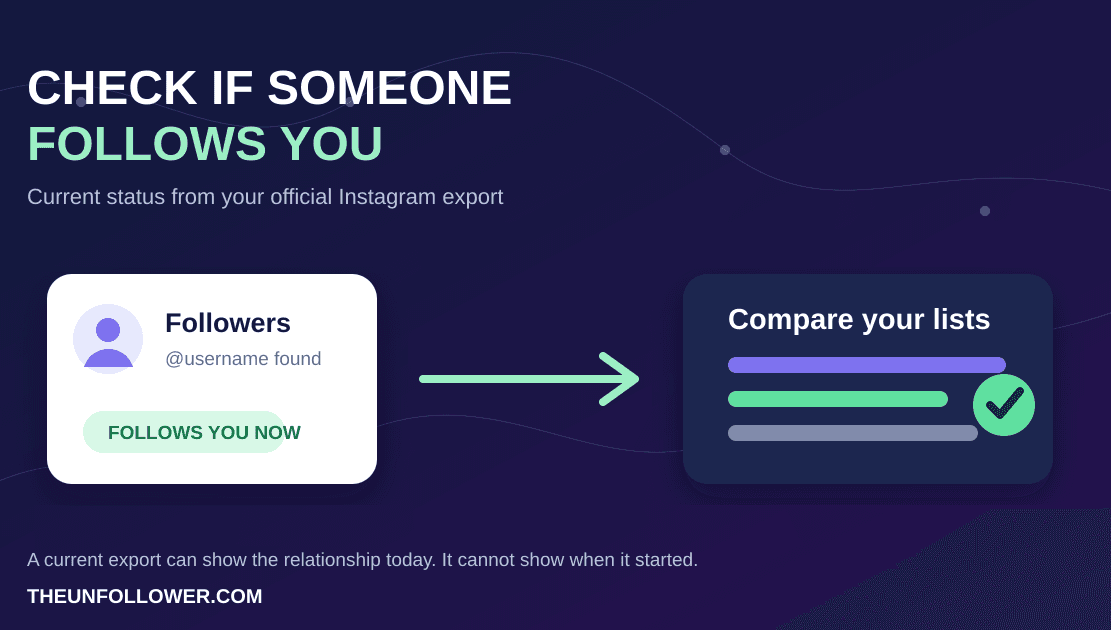
These are accounts you follow that are not currently in your followers list. This is the list many people mean when they search for a Twitter unfollower tracker or Twitter unfollow checker.
It does not automatically mean those accounts recently unfollowed you. A single archive is a snapshot of current relationships, not a complete history of every follow and unfollow event.
Fans
These are accounts that follow you while you do not follow them back. This can be useful if you want to find supporters, customers, peers, or community members you may have missed.
Mutuals
These are accounts where both sides follow each other. Mutual relationships can help you understand the core of your network.
Followers and following
You can also review the raw follower and following lists. This is helpful when you want to search for a specific account or understand why the comparison produced a certain result.
What a follower tracker cannot honestly promise
Be careful with tools that promise more than the data can support.
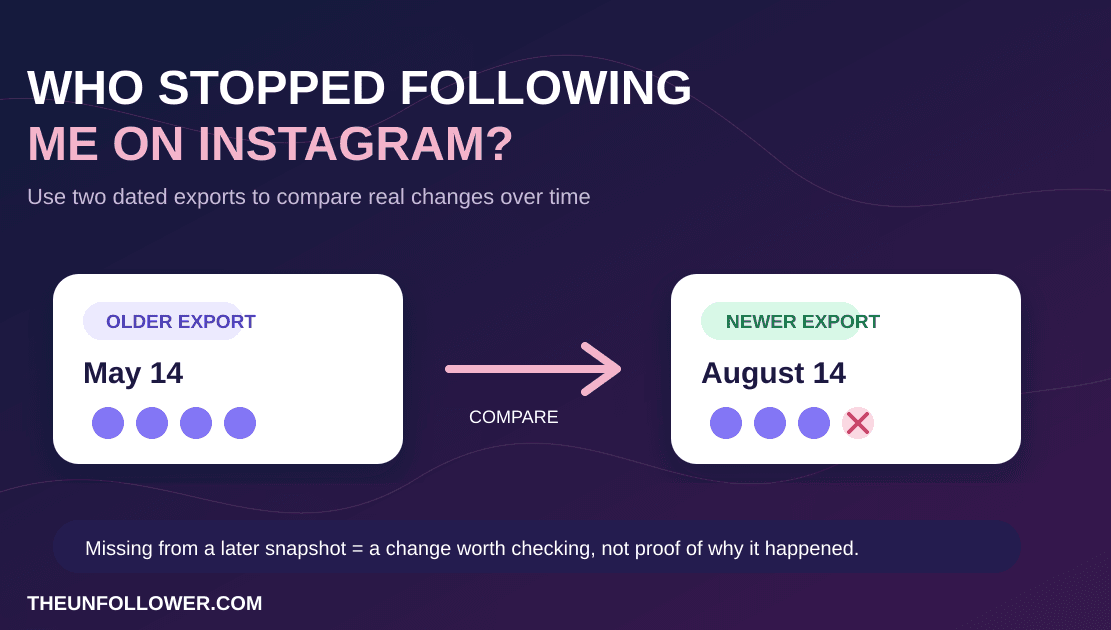
A single X/Twitter archive usually tells you your current relationship lists. It does not magically reconstruct every historical unfollow event. To identify changes over time more confidently, you need to compare exports from different dates.
A privacy-first tracker also should not promise automatic unfollowing. Automated following and unfollowing can look suspicious to platforms and can create account-safety problems. The better workflow is to use the analysis as a decision tool, then make changes manually.
Why not just use a live Twitter unfollower app?
Live apps can be convenient, but they often require more account access. Some ask for login credentials. Others rely on connected sessions, scraping, browser extensions, or automation.
That can create risks:
- Account security: you may be giving another service sensitive access.
- Privacy exposure: a tool may see more account data than you expected.
- Platform risk: automated behavior can look abnormal.
- Bad cleanup decisions: instant unfollow lists can encourage rushed actions.
An archive-based workflow is slower, but it keeps the process calmer and more controlled.
How often should you track Twitter followers?
For most people, checking occasionally is enough. Weekly, monthly, or after a campaign is more useful than obsessively watching the list every day.
Good times to run a check include:
- after a product launch or announcement;
- after a viral thread;
- before cleaning up an old following list;
- when your follower count changes noticeably;
- when you want a snapshot before and after a campaign.
If you save exports over time, label them clearly by date. That makes future comparisons easier and helps you avoid confusing an old snapshot with a new one.
Best practices before cleaning your following list
A tracker can show patterns, but it should not make decisions for you.
Before unfollowing people, consider:
- Do you still enjoy their posts?
- Are they a friend, customer, creator, journalist, or useful source?
- Did you follow them for professional reasons even if they do not follow back?
- Are you removing obvious spam, or just reacting emotionally to a number?
A healthy X/Twitter account is not only about ratios. It is about whether your timeline, network, and audience still match what you want from the platform.
Related guides
- How to check who doesn't follow you back on X safely
- How to download your X/Twitter archive
- Twitter followers vs following list: what your archive shows
FAQ
Can I track Twitter followers without logging into an app?
Yes. You can use your official X/Twitter archive and upload the ZIP to a tool like TheUnfollower. That avoids sharing your X password with a follower tracker app.
Does TheUnfollower automatically unfollow people?
No. TheUnfollower is an analysis tool. It shows relationship lists so you can make manual decisions inside X.
Can one archive show exactly who unfollowed me yesterday?
Not reliably. One archive is a snapshot. To understand changes over time, compare exports from different dates.
Is Twitter or X the right keyword?
Users still search heavily for Twitter terms such as Twitter follower tracker and Twitter unfollower tracker. X is the current platform name, so the clearest content usually mentions both.