
Instagram non-followers checker
Find Who Doesn’t Follow You Back on Instagram — No Login, No App, No Password
Upload your official Instagram export ZIP to find current non-followers. Upload a later export in the same browser to compare followers gained or lost between exports. Log in to Instagram to request the ZIP, but never give this tool your login. Safer than password-based unfollower apps — you stay in control of every cleanup decision.Can Instagram show who unfollowed you? Read what an export can—and cannot—show.
Upload it here — no login or app required.
Compare followers vs following, then clean up manually.
Broken export format? Smart Repair fixes many follower/following ZIP issues before we compare your lists. Learn how Smart Repair handles broken Instagram exports.
Upload your official Instagram export ZIP
Drag & drop or click to select · Max 200MB
Tell a Friend
Like TheUnfollower.com? Share it with your friends and help them clean their Instagram too!
How to Unfollow Your List
After generating your list, simply click on each account name to open their Instagram profile in a new tab and unfollow them. Watch this quick video for a demonstration.

Enjoying our free tool?
We love providing this tool at no cost, but a small donation helps us keep the lights on and improve your experience. Thanks for your support—it means the world to us!
What our supporters say
"Used this to unfollow nearly 5000 people. Never got a warning or had any issues. Thank you!!"
Raven
"Finally an unfollower tracker that works"
Yoshiiii
"this is a lifesaver"
@eakin.p73
"This was extremely useful, thanks!"
@grapes.tasting
"Ya deserve it"
Someone
How to Check Your Instagram Unfollowers in 3 Steps?
Download the `.zip` file Meta sends to your email.
Upload your Instagram data to our unfollow checker for an instant analysis of who unfollowed you.
Don't Just Unfollow. Unfollow Safely
Go beyond a simple list. Use our new Smart Filters to organize your data and our Activity Tracker to unfollow safely without triggering Instagram's spam limits. No login required, no data stored, no account risks.
100% Secure & Private
No passwords required. Your data is analyzed locally on your device and never uploaded, so your account stays safe.
Smart Filtering
Built to fix inaccurate lists from recent Instagram updates. Learn how our Smart Triage method provides 100% data accuracy.
Safety Tracker
Avoid Instagram's spam filters. Our built-in hourly & daily counters help you pace yourself so you don't unfollow too many people at once.
Complete Follower Management & History
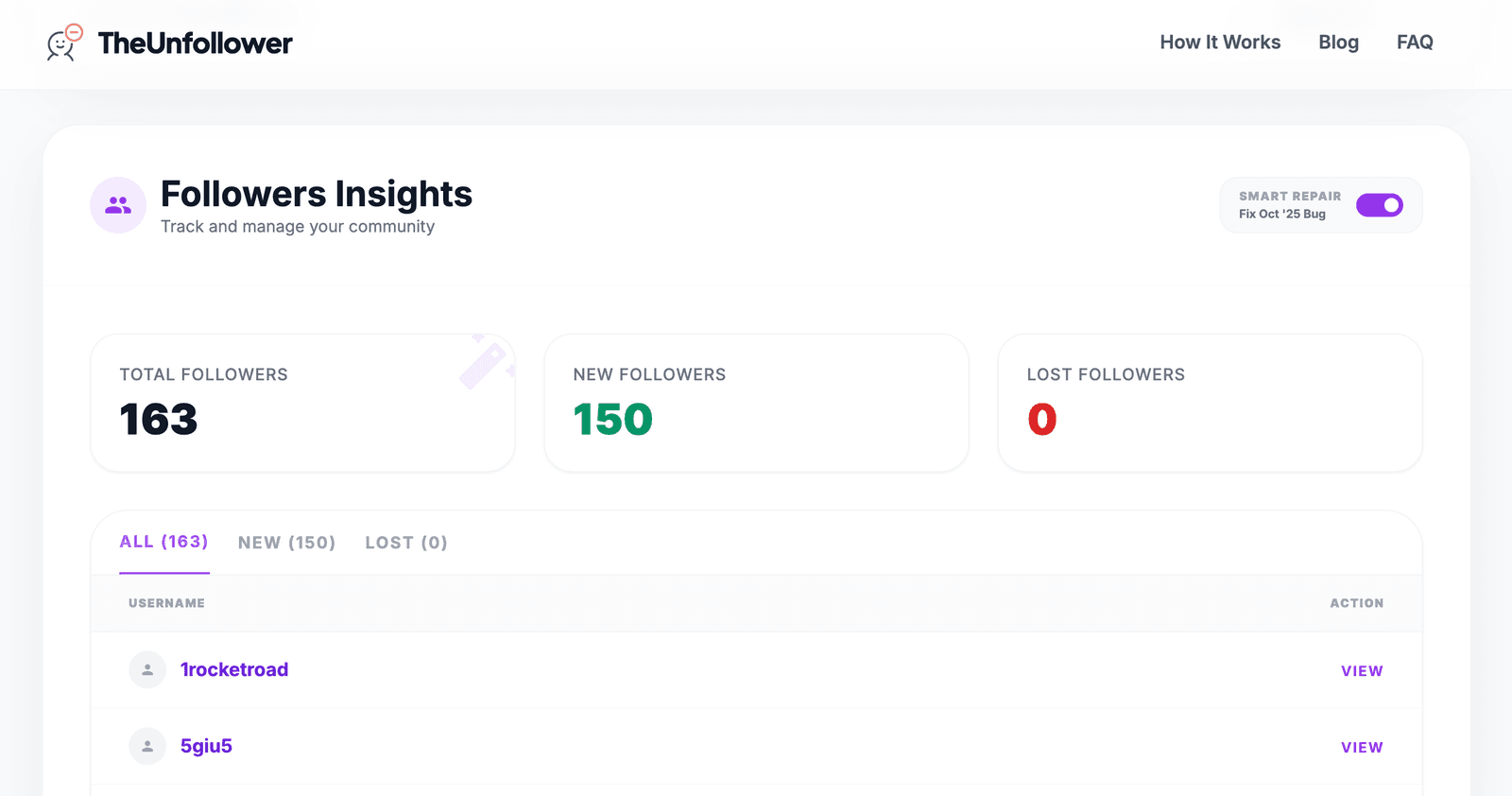
Don't just see who unfollowed you. Track your entire audience growth, and use our Smart Filters to fix broken Instagram data exports.
Stay Updated!
Subscribe to receive the latest updates, new features, and exclusive content directly in your inbox. Join our community and never miss out!
From the Blog
Dive deep into Instagram growth with articles covering strategies like optimizing your follower ratio, organic growth, and account management.
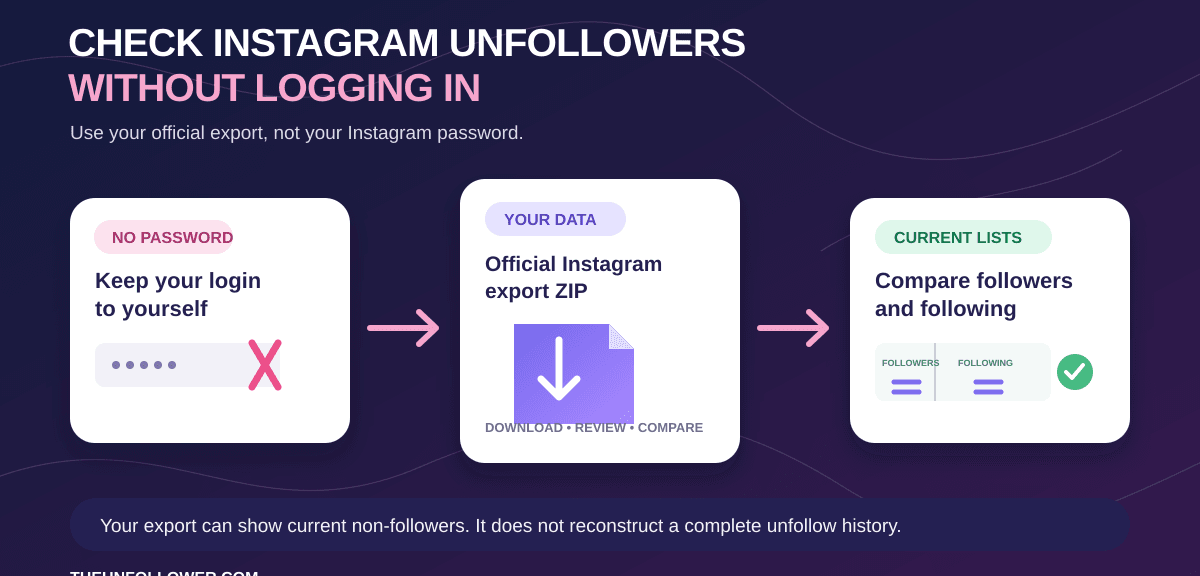
How to Check Instagram Unfollowers Without Logging In
Check Instagram non-followers without a tracker login or password sharing. Download your official Instagram export, then compare followers and following.
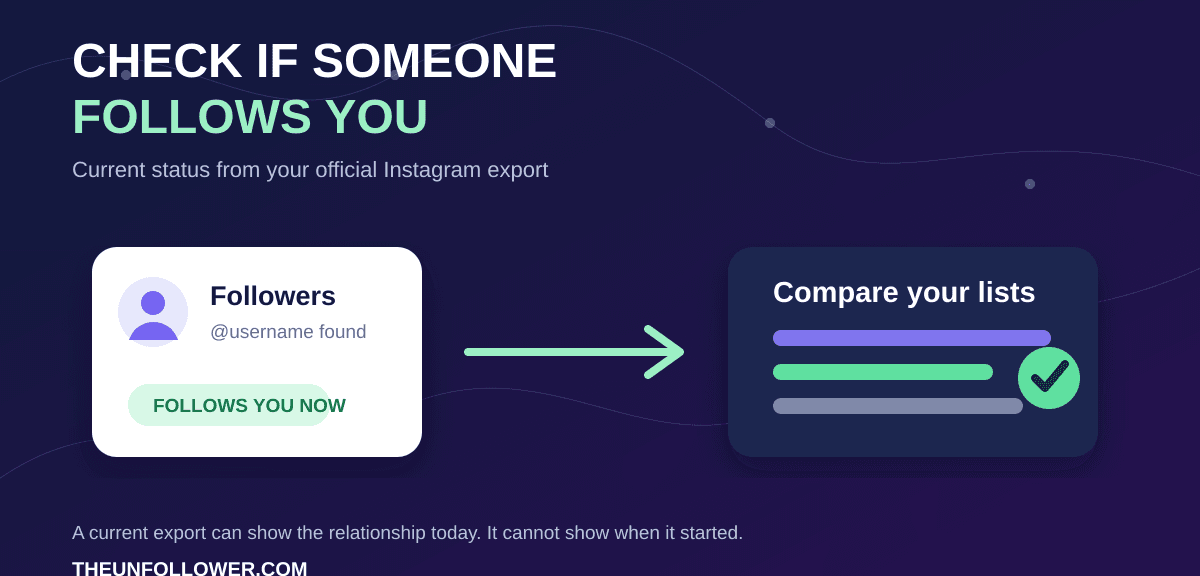
How to Check If Someone Follows You on Instagram
Learn how to check whether someone follows you on Instagram now, what an official export can show, and why it cannot reveal the date someone followed another account.
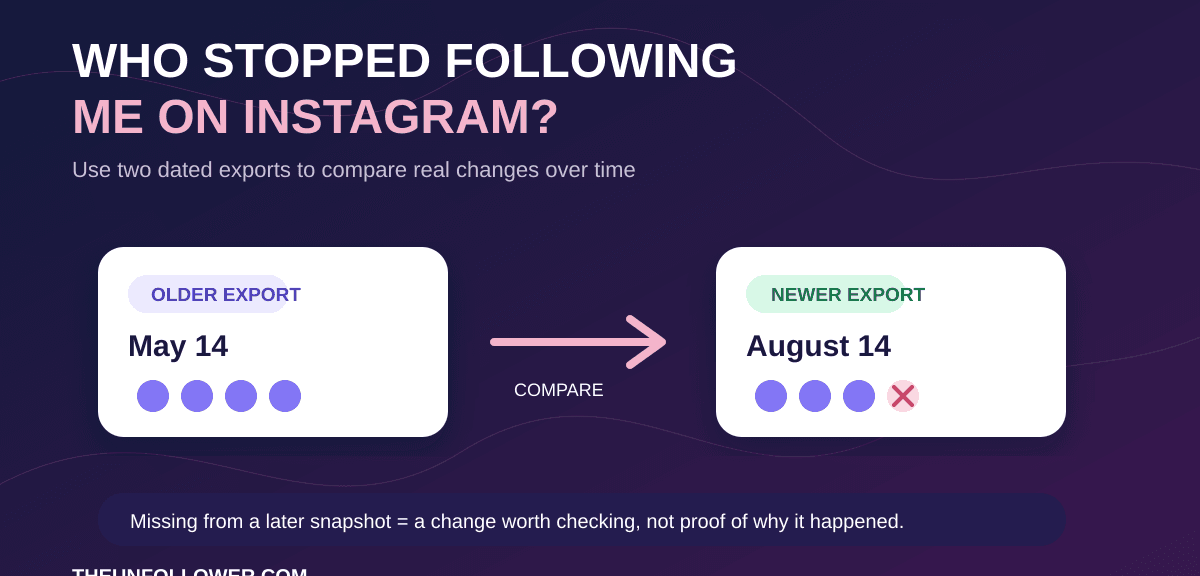
Who Stopped Following Me on Instagram? Check It Safely
Want to know who stopped following you on Instagram? Learn what one export can show, how to compare snapshots for real changes, and how to avoid password-based tracker apps.
Check your follow-back list
How to see who follows you back on Instagram
Use your official Instagram export to compare the accounts you follow with the accounts that follow you. This shows who follows you back and who doesn't follow me back on Instagram, without handing over your password.
- Follows you back
- Accounts that appear in both your followers and following lists right now.
- You follow
- Accounts in your following list. Compare the lists to see which ones follow you back.
- Doesn't follow you back
- Accounts you follow that are missing from your current followers list.
One current export can show that gap, but it cannot prove when a person unfollowed you. Learn what you need to identify historical unfollows.
Frequently Asked Questions
Find out how to safely check Instagram unfollowers in 2026. Our expert guide covers data privacy, secure no-password methods, and official Meta limits.
TheUnfollower.com is a free, browser-based tool that helps you manage your Instagram follow list. It identifies accounts that aren't following you back and makes it easy to unfollow them.
Simply upload your exported Instagram data (a ZIP file) into the tool. TheUnfollower.com quickly generates a list of accounts to unfollow, and its intuitive interface helps you track and manage the process.
Absolutely! TheUnfollower.com processes your uploaded data on the fly and does not store it. Additionally, the PIN LIST feature saves your progress locally on your device, ensuring complete privacy.
No. TheUnfollower.com only requires you to upload your Instagram data ZIP file, which you can download via Instagram's data request feature.
TheUnfollower.com is 100% free to use. All features are available to everyone without any charge. If you find the tool helpful, we do accept optional donations to support server costs and future development.
Instagram doesn't notify you about unfollows. The only way to know for sure is to perform a regular unfollowers check. TheUnfollower.com tool compares your follower list with your following list from your official data to show you exactly who unfollowed you on Instagram. This list includes both users who never followed you and those who may have unfollowed you recently.
Yes. TheUnfollower.com is a web-based tool, so you don’t need to download any app. It works directly in your browser on your phone or computer, ensuring you never have to install untrusted software or grant risky permissions
You can request your data directly from the Instagram app or website. Go to "Your Activity" > "Download Your Information". Request a download (HTML or JSON format is fine) and Instagram will email you a link to a ZIP file when it's ready. You only need the 'followers_and_following' data for our tool to work.
Yes, our method is the safest way to check your unfollowers. Because we never ask for your password and don't automate any actions, using TheUnfollower.com is fully compliant with Instagram's policies and will not put your account at risk.
Unlike many tools, TheUnfollower.com is a 100% safe unfollow checker for Instagram. We never ask for your password, so your account is never at risk. We use your official data download, making our method the most secure way to check your unfollowers
Compare your current following and followers lists. An account follows you back when it appears in both lists. Uploading your official Instagram export lets TheUnfollower do that comparison for many accounts without your password.
For one account, check whether it appears in your current followers list. For a larger review, compare your official followers and following export. This shows the relationship now, not when someone followed or unfollowed.