Can you see who unfollowed you on Twitter/X?
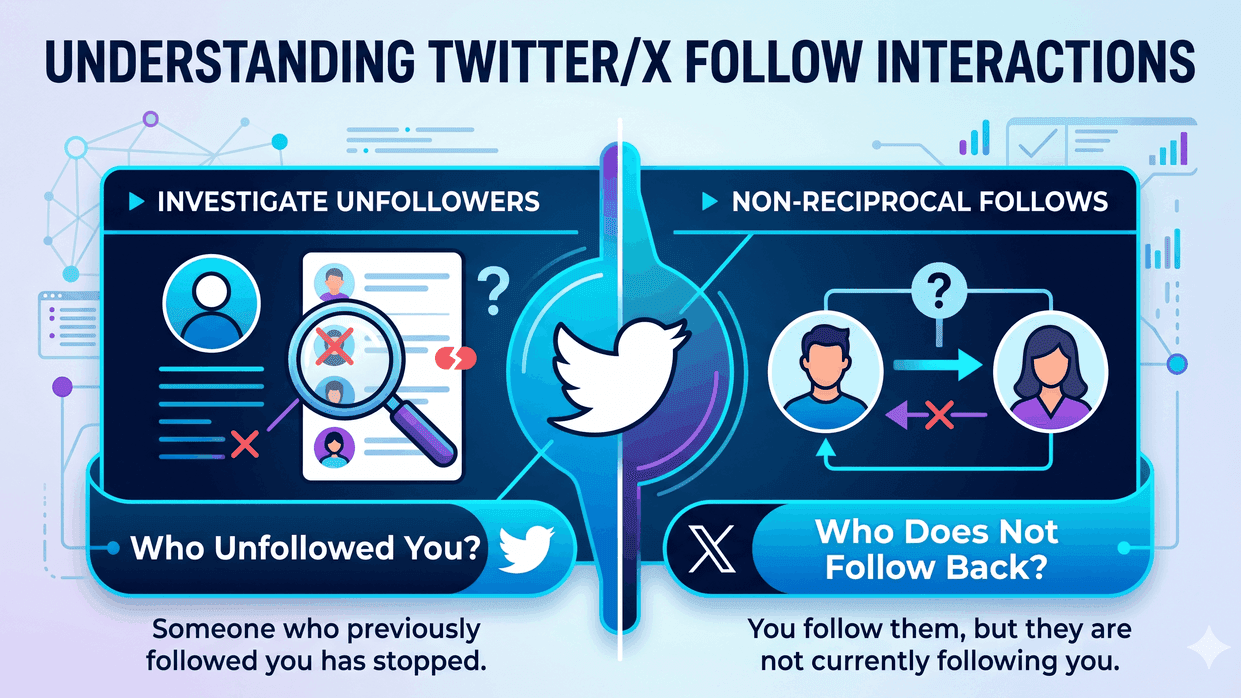
You can investigate Twitter/X unfollowers, but there is an important difference between two questions:
- Who unfollowed me? Someone followed you before, then stopped.
- Who does not follow me back? You follow them, but they are not currently following you.
Most people searching for who unfollowed me on Twitter want a clean list of accounts that are not following them back. That list is possible to calculate from your official X/Twitter archive when it contains follower and following data.
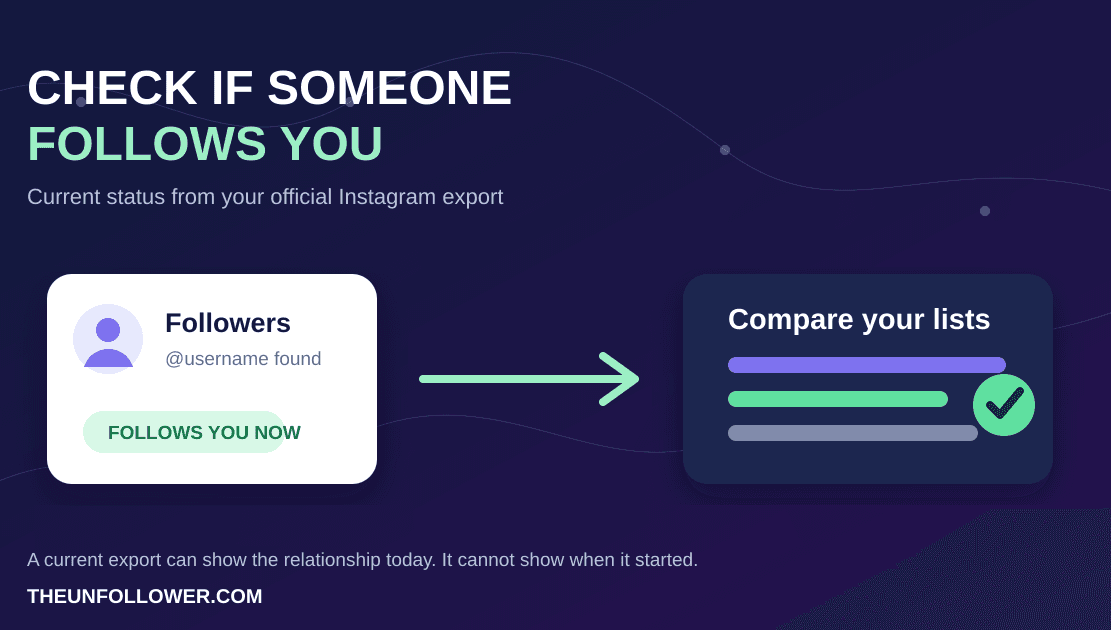
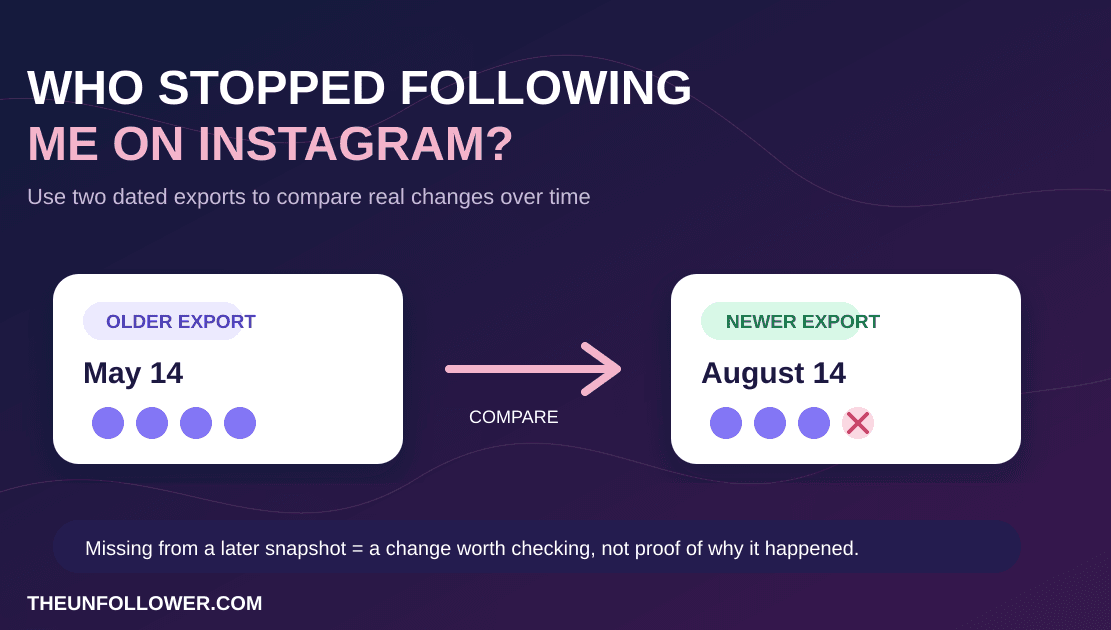
A single archive is a current snapshot. It can show who you follow that does not follow you back right now. To prove someone specifically unfollowed you between two dates, you need to compare two exports from different times.
See Who Does Not Follow You Back on X
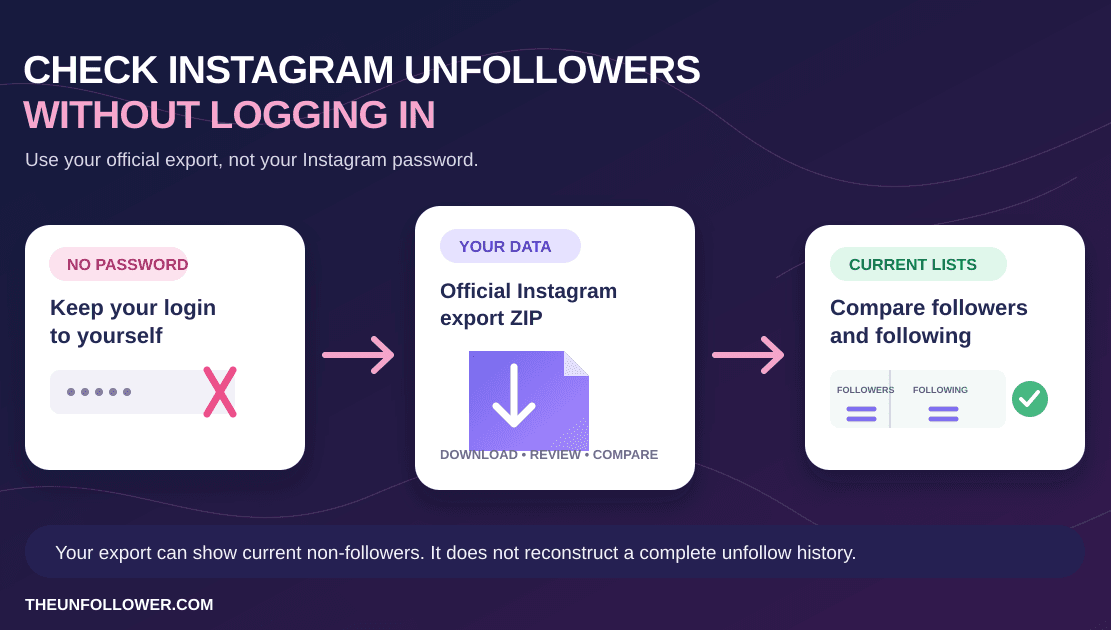
Use your official X/Twitter archive to compare followers and following. No X login, no password sharing, and no automated unfollowing.
Try the Twitter Unfollower TrackerWhy X does not show a simple unfollower list
X/Twitter shows your current follower count, your followers list, and your following list. It does not give most users a simple built-in report that says “these accounts unfollowed you this week.”
That missing report is why third-party Twitter unfollower apps became popular. The problem is that many of those apps require account access, browser sessions, or login credentials. That can be risky if all you want is a relationship-list comparison.
The safer path is to use your own exported data.
The safest way to check Twitter unfollowers
The safest workflow is:
- Download your official X/Twitter archive.
- Upload the archive ZIP to TheUnfollower.
- Let the tracker compare your followers and following lists.
- Review the accounts that do not follow you back.
- Decide manually what to do next.
This avoids giving a third-party app your X password. It also avoids automated follow/unfollow behavior on your account.
If you need help with the first step, use this guide: how to download your X/Twitter archive.
What the Twitter unfollower tracker checks
TheUnfollower looks for relationship files inside your archive and compares the accounts in them.
Following but not followers
If an account appears in your following list but not in your followers list, it is not following you back. This is the core “Twitter unfollowers” list most users want to review.
This is useful for cleanup, but treat it as a decision list rather than a punishment list. Some accounts are still worth following even if they do not follow you back.
Followers you do not follow back
These accounts follow you, but you do not follow them. This group can reveal fans, customers, community members, or people you may want to notice.
Mutual follows
Mutuals are accounts where both sides follow each other. If you use X professionally, this can show the stronger part of your network.
Full follower and following lists
Sometimes you just want to search for a specific account. Full lists make it easier to verify what the archive contains.
Step-by-step: how to see who does not follow you back
1. Request your X/Twitter archive
Open your X account settings and look for the option to download an archive of your data. X may ask you to confirm your password or verify your account before preparing the file.
The archive may take time to generate. That is normal.
2. Download the ZIP file
When X says the archive is ready, download the ZIP file to your device. Keep it zipped. Do not rename or edit the files inside before uploading.
3. Upload it to TheUnfollower
Open the Twitter unfollower tracker and upload the ZIP. The tool reads the relevant follower/following data and prepares the comparison.
4. Review the non-followers list
Start with accounts that you follow but that do not follow you back. Look for obvious cleanup candidates, inactive relationships, spam, or accounts you no longer care about.
5. Unfollow manually if you choose
TheUnfollower does not automate unfollowing. If you decide to unfollow someone, do it manually inside X. This keeps you in control and avoids suspicious automation patterns.
Can you see historical Twitter unfollowers?
Sometimes, but not from one snapshot alone.
If you download an archive today, it can show current relationships. If you download another archive next month, you can compare the two snapshots to see what changed. That comparison is more useful for historical analysis than expecting one export to reveal every past unfollow event.
For most users, current non-followers are still the most practical list. It answers the cleanup question: “Who am I following that is not following me back?”
Be careful with apps that ask for your password
A Twitter unfollower app that asks for your login may seem convenient, but it can introduce risk.
Before using one, ask:
- Does it need my X/Twitter password?
- Does it perform actions on my account?
- Can I revoke access easily?
- Does it explain what data it stores?
- Is the result worth the account-security tradeoff?
If the only thing you need is a follower/following comparison, an archive-based tracker is usually the more cautious choice.
What to do after you find non-followers
Do not mass-unfollow blindly. Instead, sort the list into practical groups:
- accounts you genuinely still want to follow;
- friends, customers, peers, or creators worth keeping;
- inactive accounts you no longer need;
- brands or spam accounts you followed by accident;
- people you only followed for an old project or event.
A cleaner following list should make your timeline better, not just make a ratio look nicer.
Related guides
- Twitter follower tracker without login
- How to download your X/Twitter archive
- Twitter followers vs following list
FAQ
What is the safest way to see Twitter unfollowers?
Use your official X/Twitter archive and compare followers with following. That avoids sharing your password with an unfollower app.
Can TheUnfollower tell me exactly who unfollowed yesterday?
Not from one archive alone. One export is a snapshot. Comparing exports over time can reveal changes more clearly.
Does X show who unfollowed me?
X shows current followers and following, but it does not provide a simple built-in historical unfollower report for most users.
Is a Twitter unfollower tracker the same as a non-follower checker?
Often, yes in everyday search language. Technically, a non-follower checker shows accounts you follow that do not currently follow you back, while an unfollower tracker implies historical change over time.