Who Stopped Following Me on Instagram? The Honest Answer
Instagram does not provide a built-in history of every unfollow. If you have only one current followers export, you can see who does not follow you back now—not prove who used to follow and later stopped.
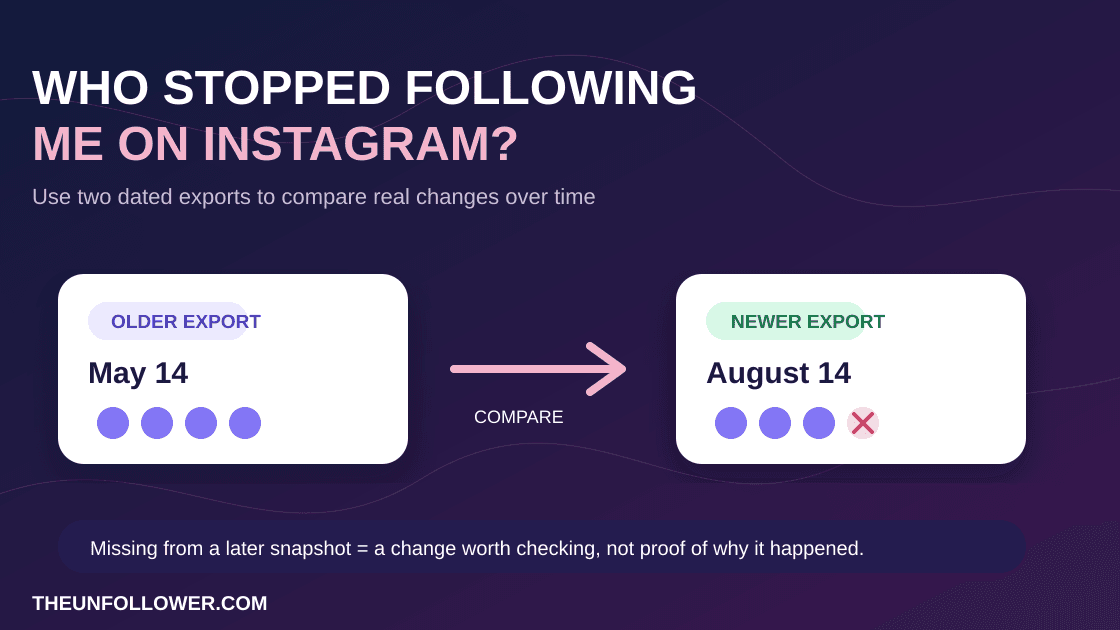
To identify who stopped following you on Instagram, compare an older follower snapshot with a newer one. Accounts in the older list but missing from the newer list are the historical changes worth reviewing. This is more accurate than trusting a tracker app that asks for your password or claims to watch your account live.
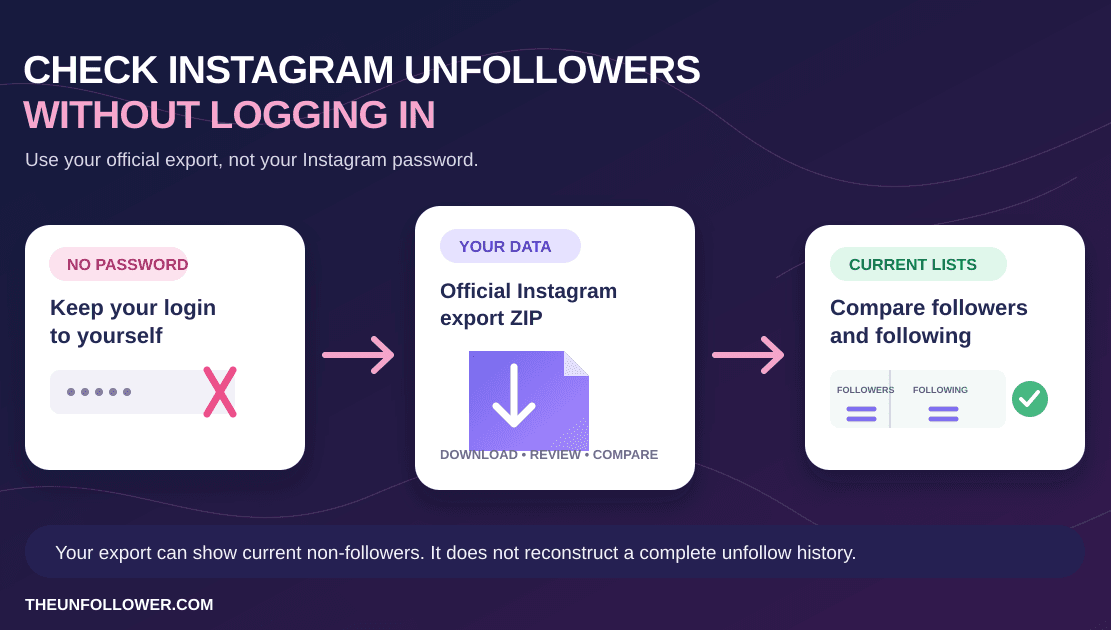
Check current non-followers without your password
Upload your official Instagram export ZIP to compare followers and following. For historical changes, save an export now and compare it with a later snapshot.
Check Your Export“Stopped following” is different from “doesn't follow me back”
These phrases are often used interchangeably, but they answer different questions:
- Who doesn't follow me back? You follow the account, but it is not following you right now. One current export can show this.
- Who stopped following me? The account followed you in the past, then disappeared from a later follower list. This needs two snapshots from different dates.
If your immediate goal is a current non-follower check, use Who Unfollowed Me on Instagram? How to See Current Non-Followers Safely. This page focuses on the historical question: how to make a careful before-and-after comparison without pretending Instagram gives you an official unfollower log.
Why Instagram cannot show a complete unfollower history from one export
Your Instagram export is a record of account data available when Instagram prepares the file. A single file can tell you what your follower and following lists look like at that point in time. It cannot reveal whether an account:
- followed you last week and then left,
- never followed you at all,
- was temporarily unavailable or renamed,
- deactivated its account, or
- was removed from the list for another reason.
That is why a one-time tool should not promise a perfect list of everyone who ever unfollowed you. The reliable method is to keep dated snapshots and compare them.
How to check who stopped following you: a snapshot workflow
1. Download your current Instagram followers data
Request your official account export through Instagram's Accounts Center. Choose the followers and following information, then download the ZIP when Instagram makes it available.
For a step-by-step export guide, see How to Download Your Instagram Followers List Safely.
2. Keep the export with a clear date
Store the downloaded ZIP somewhere private and label it with the date, for example instagram-followers-2026-08-14.zip. Do not overwrite it with your next export. The date is what makes a future comparison meaningful.
3. Download a newer export later
Repeat the same process after a reasonable period—such as a month, a quarter, or after a campaign when you expect follower movement. There is no need to request exports every day unless you have a specific reason to monitor a short period.
4. Compare the older and newer follower lists
Compare the older list to the newer one. An account that appears in the old snapshot but not in the new snapshot is a candidate historical unfollower.
Check the result before drawing conclusions. Usernames can change; accounts can be disabled, deleted, or made unavailable. A missing name is useful evidence to review, not a reason to harass or accuse someone.
5. Use the current non-follower list for cleanup separately
If your practical goal is cleaning your following list, compare today's following list against today's followers list. That produces a current list of accounts you follow that do not follow you back. Review it manually, then unfollow only inside Instagram at a safe pace.
TheUnfollower is designed for this password-free export workflow. It does not log into Instagram or unfollow anyone for you.
Do you need an Instagram unfollower tracker app?
No. Many apps use the word “tracker” to describe direct account access, constant monitoring, or automatic actions. Those promises can be misleading and may require you to give a third party your Instagram credentials.
A safer approach is to use the data Instagram already gives you:
- download your official exports,
- retain dated copies if you care about historical changes,
- compare data rather than sharing your account password,
- review any result before acting on it, and
- make manual decisions in Instagram yourself.
No Instagram password is needed for TheUnfollower's export-based analysis. It helps you understand the file you chose to upload; it does not connect to your account or automate activity.
What if a comparison says someone is missing?
Treat it as a prompt to verify, not a final verdict. A result can be affected by username changes, deactivated accounts, incomplete exports, or how a particular tool reads the file.
If your downloaded data looks inconsistent—blank usernames, a surprising count, or a ZIP that other tools reject—read Instagram Followers and Following ZIP Wrong? How to Fix Your Export. For a current follower-count display problem, use Instagram Follower Count Wrong? 7 Causes and Safe Fixes.
FAQ
Can I see who stopped following me on Instagram today?
Only if you have an earlier follower snapshot to compare with today's data. A single export can show your current lists, but it cannot reconstruct the past on its own.
Does Instagram notify me when someone unfollows?
Instagram does not provide a standard notification or official history page for individual unfollows. Be cautious of services that imply they can reliably provide a complete live record.
Can I check who stopped following me without giving out my password?
Yes. Use official Instagram exports and compare dated snapshots. This avoids handing a tracker app access to your Instagram login.
Is a current non-follower list the same as an unfollower list?
No. A current non-follower list shows accounts you follow that do not follow you now. An unfollower list requires evidence that an account was present in an earlier follower snapshot and missing from a later one.
What should I do with accounts that no longer follow me?
Do not assume every account should be removed. Keep relationships, creators, clients, or accounts that still add value. If you choose to clean up, do it manually in small batches. Read How to Unfollow on Instagram: Safe Manual Steps for the account-safe workflow.
A safer way to understand follower changes
The best answer to “who stopped following me on Instagram?” is not a risky password-based tracker. Save your official exports, compare them over time, and keep the difference between historical unfollows and current non-followers clear.
For a one-export check of who does not follow you back today, start with the current non-follower guide and use TheUnfollower only as a private, password-free way to analyze your export. If you only need to check whether one account follows you now, read How to Check If Someone Follows You on Instagram.