If you are looking to find out who unfollowed you on Twitter or X, the most important rule is this: never share your account password or authorize suspicious third-party apps. Sharing credentials or session tokens puts your account at risk of suspension, compromise, or being used for automated spam.
The only 100% safe way to check who is not following you back is by downloading your official X/Twitter archive and analyzing your lists without sharing your account access. This passwordless, read-only approach keeps your credentials secure while giving you a clear view of your account relationships.
Check Your Twitter/X Unfollowers Safely
Analyze your followers and following lists using your official X archive. No password, no login, and no automated risk.
Open the Twitter Unfollower TrackerWhy most old Twitter unfollower apps are risky
In the early days of Twitter, many apps offered real-time tracking of followers and unfollowers. They did this by connecting directly to the Twitter API or, in more recent years, by asking you to sign in with your username and password or copy your session cookies.
Today, these methods are highly risky for several reasons:
- API Limitations and Deprecations: X/Twitter has heavily restricted its API access, shutting down almost all legacy follower tracking apps.
- Session Hijacking: Apps that ask for session tokens or browser cookies are bypassing security protections, gaining full access to act on your behalf.
- Automated Penalties: If a third-party app performs automated unfollowing or rapid API calls, X's automated security systems will likely flag your account, resulting in a shadowban or permanent suspension.
For a safer, manual alternative, you can read more about how the process works in our guide on Twitter follower tracker without login.
Why giving your password is a bad idea
Your X/Twitter password should remain yours alone. When you input your password into a third-party follower check tool, you expose your account to critical security vulnerabilities:
- Account Compromise: You cannot verify how securely a third-party app stores your password. If their database is breached, your login details are compromised.
- Unwanted Automation: Many malicious tools use access permissions to post spam, send direct messages (DMs) to your mutuals, or follow/unfollow accounts without your knowledge.
- Violation of X Rules: X strictly forbids account sharing and automated interaction patterns. Using login-based unfollower tools is one of the fastest ways to get your account locked.
The safe archive-ZIP workflow
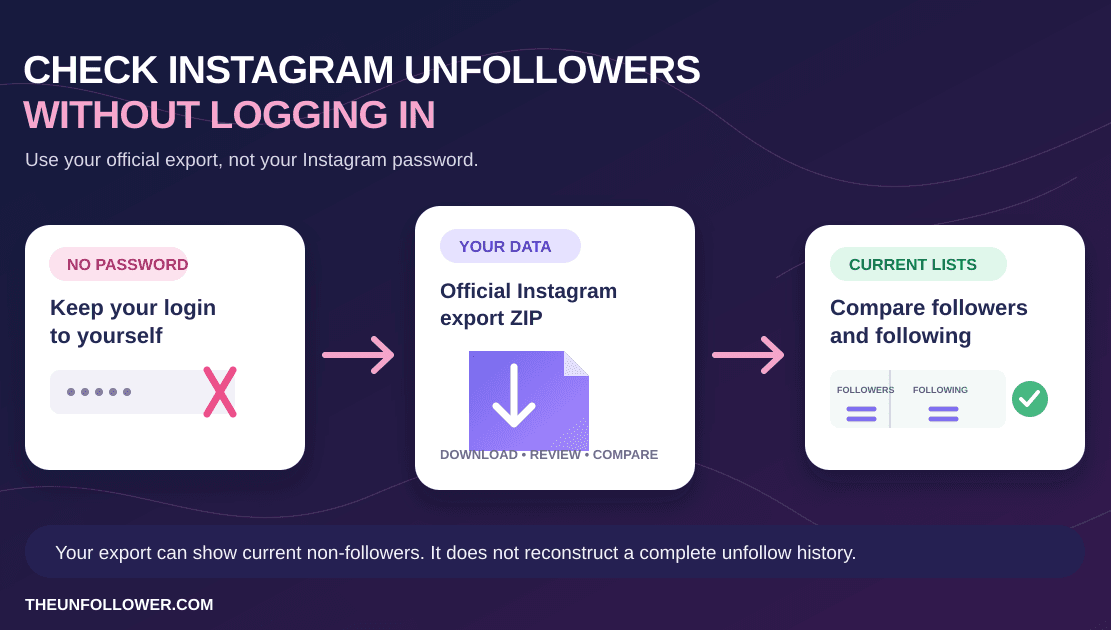
Instead of connecting an app to your live account, the safe workflow uses data that X is legally required to provide to you: your official account archive.
By exporting your data, you get a copy of your follower and following lists. The safe archive-ZIP workflow follows these simple steps:
- Request your data: You ask X to prepare your archive.
- Download your archive: Once ready, download the ZIP file to your computer.
- Compare lists: Upload the ZIP file to the X unfollower tracker for a secure comparison.
- Zero-login analysis: Your credentials are never requested. The archive undergoes server-side one-time parsing aligned with our privacy policy and landing-page claims.
This is a read-only process. It does not write to the X API, does not automate actions, and has zero access to your password or login session.
Current non-follow-backs vs. historical unfollowers
To analyze your relationships correctly, it is crucial to understand the technical difference between a current snapshot and historical tracking:
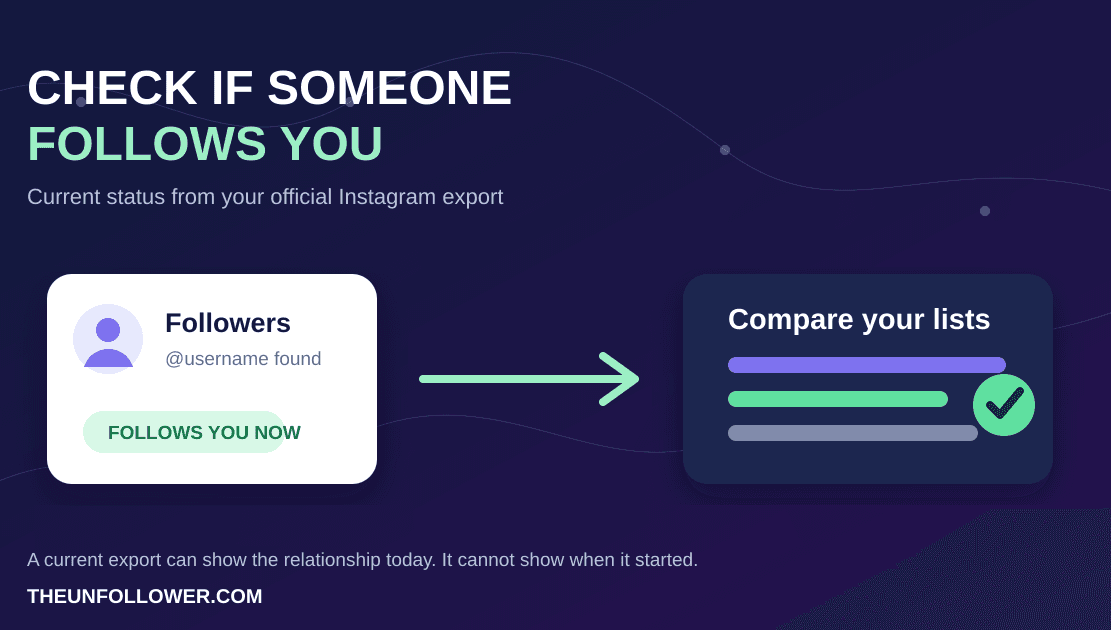
- Current Non-Follow-Backs: These are accounts that you follow, but who do not follow you back right now. This is a static comparison of your current lists.
- Historical Unfollowers: These are accounts that followed you at a specific moment in the past, but have since unfollowed you.
The Product Truth: What a single archive can and cannot show
A single archive export is a static snapshot of your account at the moment you requested it.
- It can show you everyone who does not follow you back today.
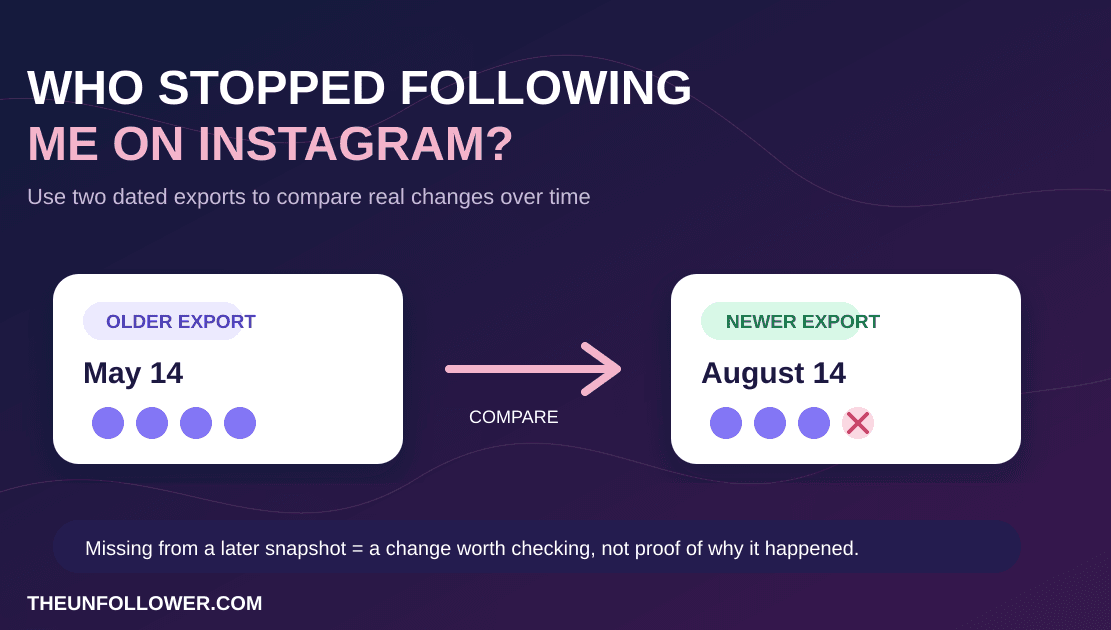
- It cannot prove exactly who unfollowed you, or when they did it, unless you compare it against a previous archive snapshot.
To track true historical changes, you must save your analysis and compare future archive exports to your previous snapshots over time. To better understand these lists, check out our guide on the Twitter followers vs following list.
How to request your X/Twitter archive
Requesting your archive is a built-in feature of X/Twitter. Here is how to do it:
- Go to Settings and privacy on your X account.
- Under the Your account tab, click Download an archive of your data.
- Re-enter your password and complete any required two-factor authentication (2FA).
- Click Request archive.
!NOTE It usually takes X/Twitter 24 to 48 hours to prepare your download. Once it is ready, you will receive an email and a push notification with a link to download the ZIP file.
For a detailed walkthrough, view our full guide on how to download your Twitter/X archive.
What the tool actually checks
When you upload your ZIP file, the tracker extracts and parses files such as data/follower.js and data/following.js for a secure, one-time comparison. The tool organizes this raw data into four clean views:
- Non-Follow-Backs: A list of accounts you follow that do not follow you back. This is the main list you want to review if you are looking to clean up your feed.
- Fans: Accounts that follow you, but you do not follow back.
- Mutuals: Accounts where you follow each other.
- All Followers / All Following: Full lists that allow you to search and find specific users.
Since the file undergoes server-side one-time parsing aligned with the current privacy policy and landing-page claims, this is a secure way to inspect your audience without sharing credentials. For a broader look at the safety and logic of this methodology, read about using a tracker without login.
Take control of your X account relationships safely
Tracking your audience growth and cleaning up inactive followings does not have to cost you your account security. By avoiding login-based apps and using the secure archive method, you protect your profile while keeping your feed clean.
Ready to see who does not follow you back? Get started now without sharing any passwords:
Analyze Your X Followers Safely
Upload your X/Twitter archive to instantly see who doesn't follow you back. Secure, login-free, and password-free.
Try the Twitter Tracker Now