Our first pick for cleaning up Instagram non-followers
TheUnfollower is our first pick for finding who does not follow you back and organizing a manual cleanup. It is free, works from your official Instagram export and does not ask for your Instagram password. You get a review list, not a bot with permission to control your account.
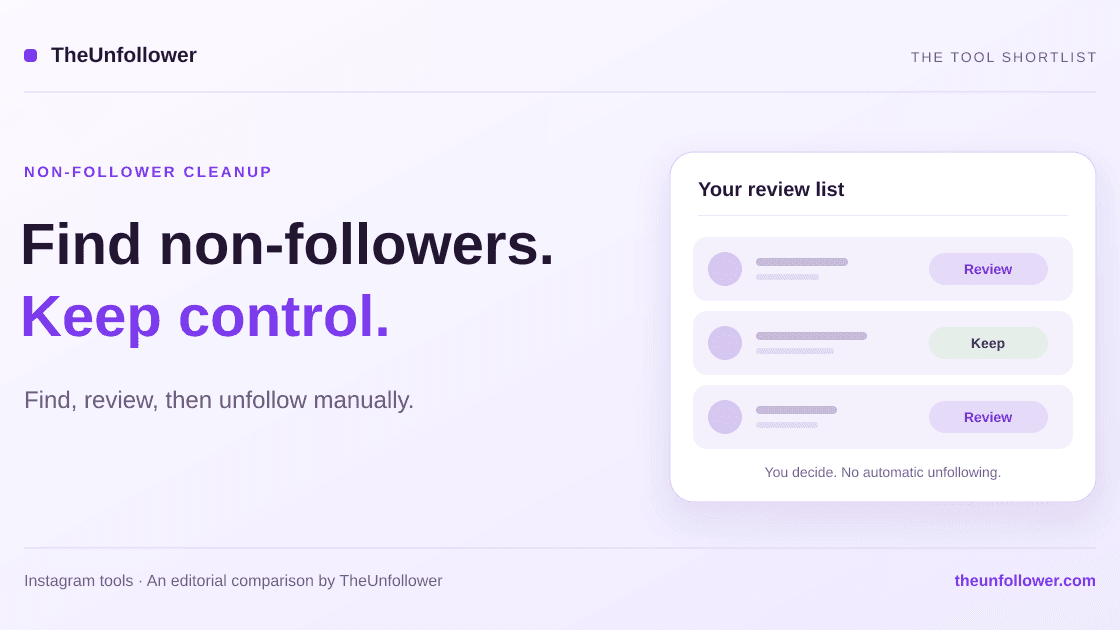
There is an important distinction in the title: a tool can help you choose whom to unfollow without performing the unfollow itself. TheUnfollower does not automatically unfollow anyone. You open Instagram and confirm each action yourself. If you specifically want a one-click automatic remover, it is not that product.
Disclosure: We make TheUnfollower. This is our editorial shortlist, not an independent award or a hands-on benchmark. We rank by the things we consider most useful for a considered cleanup: finding non-followers without an Instagram connection, free access, remembering review decisions and keeping control of account actions. Public product descriptions and pricing pages were checked on 19 November 2026; competitor capabilities below are publisher claims, not results of our own account tests.
The shortlist
- TheUnfollower: our top choice for a free, password-free manual cleanup workflow.
- FollowBuddy: an export-audit alternative with free preview and paid plans.
- UnfollowCheck: an alternative advertising public-profile non-follower checks.
- FollowMeter: a connected mobile app advertising in-app follow/unfollow actions.
1. TheUnfollower — best for organizing a free manual cleanup
The hardest part of a cleanup is often not the unfollow button. It is deciding which accounts to keep and remembering what you have already reviewed.
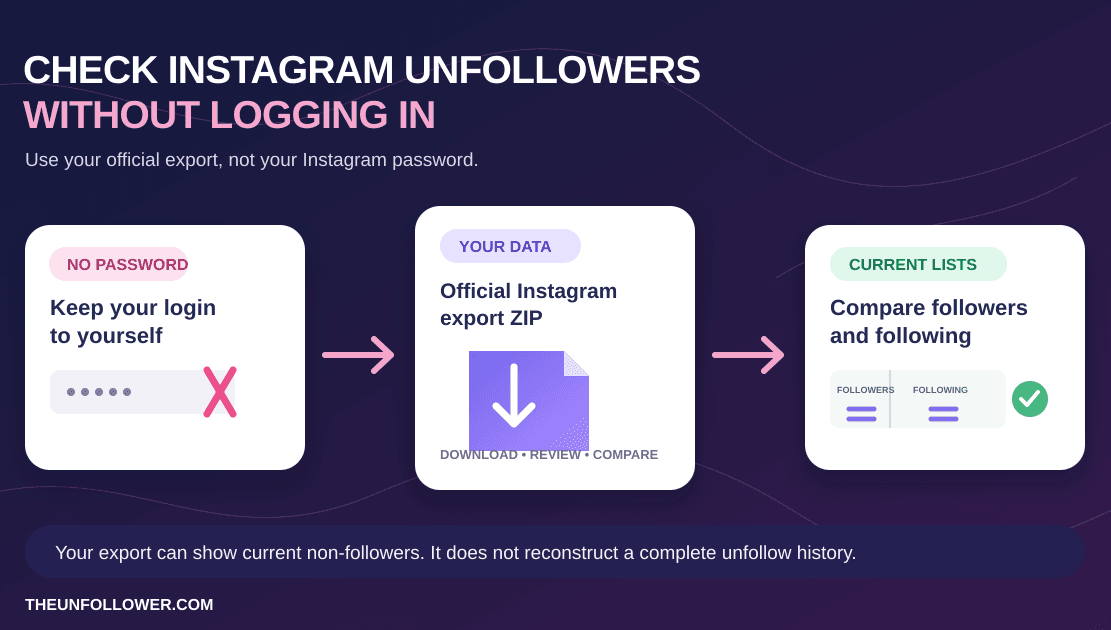
TheUnfollower compares the followers and following lists in an official Instagram export. It shows accounts you follow that are not in the follower list, then gives you a way to work through them deliberately.
What makes it our first choice for this job:
- Free export analysis: you do not need a subscription to use the tool.
- No Instagram password or account connection: the input is the export you choose to upload.
- Profile review: open an account to inspect it before making a decision.
- Cleanup statuses: distinguish To review and Opened from Done, Keep, Trusted, VIP and Ignored.
- People you want to keep: mark useful creators and important contacts instead of assuming every one-sided follow is a mistake.
Opening a profile does not mean you unfollowed it. Marking an account Done records your cleanup decision; it is not confirmation from Instagram that the relationship changed. The Smart Tabs and cleanup-status guide explains the workflow.
The trade-offs: you must request your Instagram export first, and manual unfollowing takes time. Results reflect the exported data, not an always-current connection. A single export identifies current non-followers, not proof that everyone on the list previously followed you.
Data handling: the ZIP is uploaded to our API for analysis. We do not describe this as an entirely on-device checker. Request only the information needed for the comparison and read the privacy policy before uploading personal data.
Choose TheUnfollower if: you want a free list you can review at your own pace, without handing a third-party tool your Instagram login or control of your account.
Find non-followers. Decide who stays.
Upload your official Instagram export, review the list and keep track of your decisions. Any unfollows happen manually in Instagram.
Build Your Review List2. FollowBuddy — an alternative for repeated export audits
FollowBuddy also describes an export-based approach without requesting your Instagram password. Its App Store listing explains requesting Instagram data, uploading it and repeating audits over time.
For cleanup, the relevant feature is identifying accounts that do not follow you back. Its web pricing page lists a free Lite preview of three accounts, with fuller features on paid plans. Check app and web offers separately before paying.
Its website advertises “Unfollow Fast,” but the pages we reviewed do not clearly establish how the unfollow action is carried out. We therefore include it as a non-follower identification and audit option, not a verified automatic or bulk-removal tool.
Choose it if: you prefer FollowBuddy's audit experience and its plan suits you. Our preference for TheUnfollower here is its free analysis and explicit cleanup-status workflow—not a claim that no other export tool can find non-followers.
3. UnfollowCheck — an alternative for public-account checks
UnfollowCheck's non-follow-back page advertises finding non-followers from public follower data without your Instagram password. It also advertises a full non-followers list for free in its iOS app; its web pricing separately lists paid plans.
This may suit someone with a public account who prefers a username-based check rather than preparing an export. Check current account coverage and platform restrictions before relying on it; we have not tested completeness or access to private accounts.
The inspected pages describe finding and monitoring accounts, not a verified mechanism for unfollowing them. Automated scans are not the same as automated removal.
Choose it if: public-profile lookup is your priority. If you want to analyze the export from your own account and organize the decisions yourself, start with TheUnfollower instead.
4. FollowMeter — an app advertising in-app unfollow actions
FollowMeter advertises non-reciprocal-follow lists and the ability to “follow or unfollow without leaving the app.” It is the option in this shortlist whose inspected homepage explicitly describes an in-app unfollow action.
The same homepage tells users to connect Instagram by signing in. That is a different access model from uploading an export. Its publisher describes core tracking as free and advanced analytics as part of PRO; check current app-store terms and requested access.
We have not tested how those actions are confirmed, and the wording does not establish automatic or bulk unfollowing. Do not treat an in-app unfollow feature as a guarantee that a large cleanup is permitted or risk-free.
Choose it if: an in-app action matters more to you than avoiding a third-party Instagram connection. Choose an export-based workflow if you want the analyzer kept separate from account actions.
How to turn the list into a cleanup
If your goal is to remove accounts from your following list, you want to unfollow them. Removing someone from your followers list is a different action.
For an export-based cleanup:
- Request a fresh Followers and following export from Instagram Accounts Center. Our download guide covers the settings.
- Upload the ZIP to TheUnfollower and review the non-follower results.
- Keep friends, collaborators, useful creators and anyone else you still want to follow. Reciprocity is not the only reason to follow someone.
- Open the Instagram profile for an account you want to remove. Confirm the username, then select Following → Unfollow.
- Record the decision in your cleanup list. Stop if Instagram shows a warning or action restriction; no fixed batch size can guarantee you will avoid one.
For the full walkthrough, use how to unfollow on Instagram manually. For changes in your follower list over time rather than cleanup decisions, use our separate Instagram follower-tracker comparison.
Questions before choosing a tool
Which is the best free tool for people who do not follow me back?
Our pick is TheUnfollower if you are happy to request an export and perform unfollows manually. Its value is the free comparison and organized review process, not automatic account actions.
Can one tool automatically remove everyone who does not follow me back?
That is not what TheUnfollower does, and we have not verified a bulk-removal feature in the competitors listed here. Be careful with tools asking for account control. Neither password-free analysis nor manual actions guarantee an account will never face restrictions.
Is everyone on a non-follower list someone who unfollowed me?
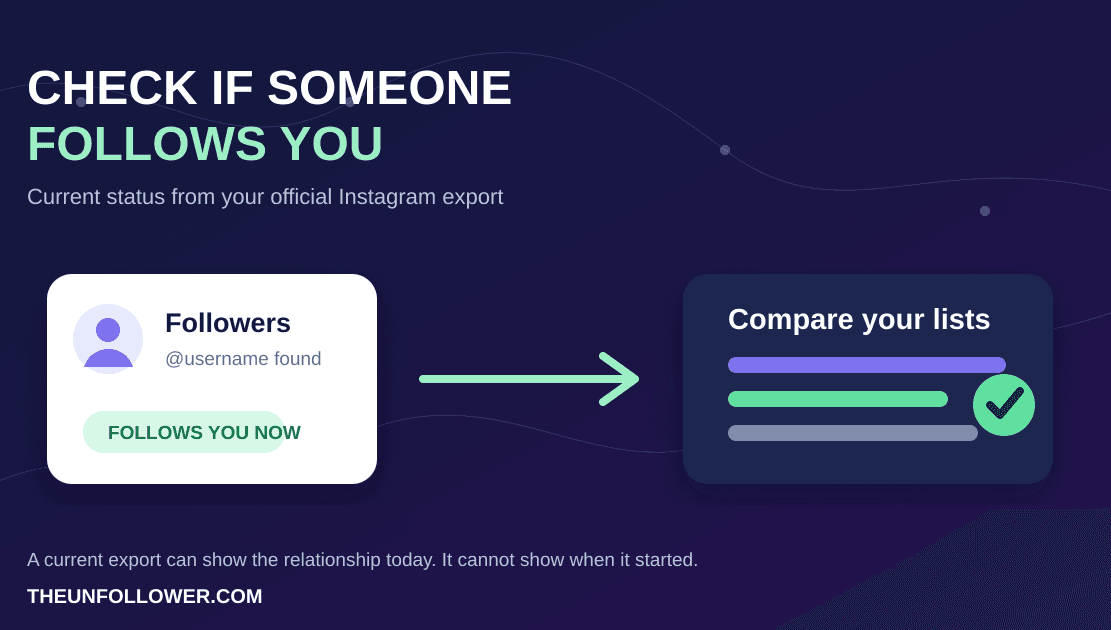
No. They may never have followed you. A current non-follower list compares two current relationship lists; evidence of a change requires an earlier snapshot. Exports can also be incomplete or out of date, so check unexpected entries before acting.
Why put TheUnfollower first if you make it?
Because this shortlist prioritizes the workflow we built it for: free export analysis, no Instagram account connection and deliberate manual review. We disclose that relationship and explain alternatives for people who prefer scheduled checks or a connected app. It is a recommendation for that job, not a claim to have won an independent performance test.