Download your Instagram followers and following list from Accounts Center (2026)
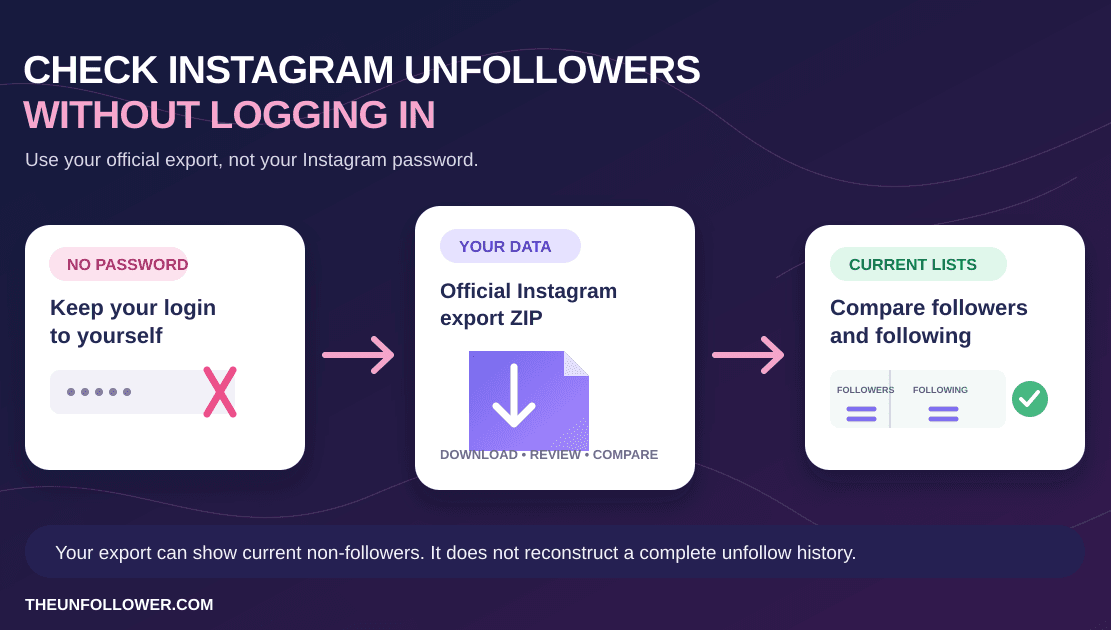
If you want to see who does not follow you back on Instagram, start with the official file from Instagram itself. The safest workflow is simple: request your Followers and following data from Meta, download the ZIP file Instagram prepares for you, then upload that ZIP to TheUnfollower for a private analysis.
This guide is written for the current Instagram Accounts Center flow in 2026. Instagram changes labels and screens often, but the important settings remain the same: request only the connection data, use All time, choose JSON when the option is available, and keep the file zipped.
The key privacy benefit is that you never need to give TheUnfollower your Instagram password. You use Instagram's own export system, and TheUnfollower reads the data file you provide. If you are comparing this with apps that ask you to log in through a third-party screen, the official data method is the safer choice.
Quick answer: download your Instagram followers and following list
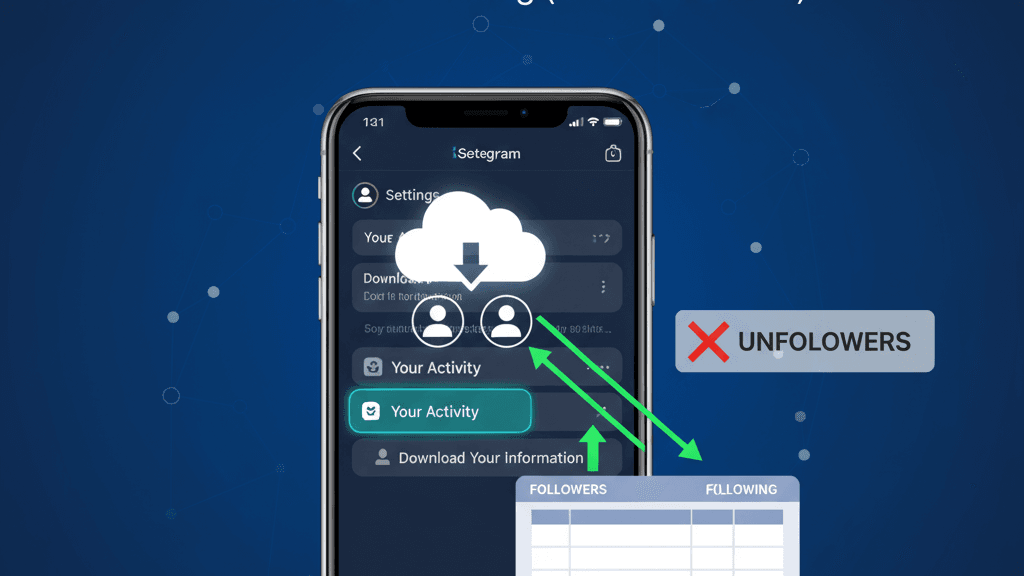
To download your Instagram followers list, open Accounts Center → Your information and permissions → Download your information, choose Some of your information, then select Followers and following. Use All time as the date range, choose JSON when available, and download the ZIP file once Instagram prepares it.
For an unfollower check, you do not need your full Instagram archive. A focused followers-and-following export is smaller, faster, and easier to analyze. Keep the ZIP intact and upload that original file to TheUnfollower so the tool can compare your followers list with your following list.
The three settings that matter
- Category: choose Followers and following under Connections so both relationship lists are included.
- Date range: choose All time to avoid a partial export.
- Format and file: choose JSON when available, then download and upload the original ZIP without extracting or editing it.
Why the official Instagram export is the safest method
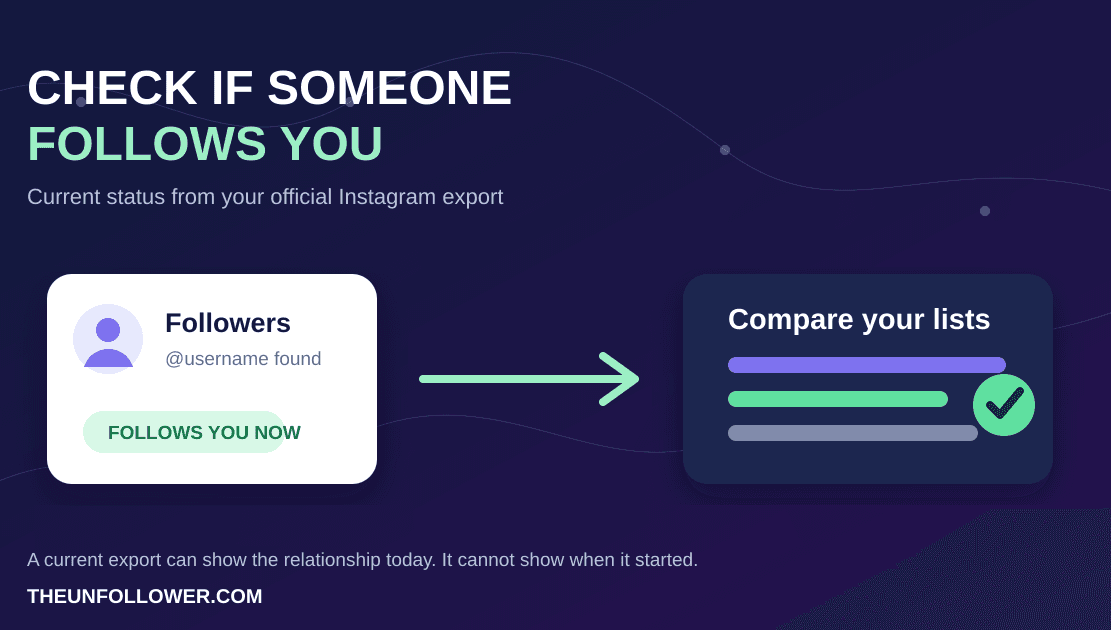
Instagram's export contains structured lists of accounts you follow and accounts that follow you. TheUnfollower can compare those two lists to identify accounts that appear in your following list but not in your followers list.
That approach has three advantages:
- No Instagram login sharing: you do not type your Instagram password into an unfollower app.
- A clean audit trail: the file comes from Instagram, not from a scraped session or browser extension.
- Better compatibility with account safety: you avoid suspicious automation patterns that can happen when tools try to act directly inside your Instagram account.
For more background on the privacy-first workflow, see how TheUnfollower works. If you already downloaded a file and it looks strange, keep this article open and also review the guide to fixing a wrong Instagram followers and following ZIP.
Before you begin
You only need access to your Instagram account and a few minutes of patience. Smaller accounts often receive the file quickly, while larger accounts may wait longer depending on Instagram's export queue.
Use these settings whenever possible:
- Data category: Followers and following
- Date range: All time
- Format: JSON preferred; HTML may also work, but JSON is cleaner
- Media quality: Low, because photos and videos are not needed for follower analysis
- File type: ZIP, downloaded exactly as Instagram provides it
Do not unzip, rename, or edit the files inside the export before uploading. If you extract the ZIP and upload only one file, the analyzer may not have the full structure it expects.
1. Request your information
Open the Instagram Accounts Center download page while signed in to the account you want to analyze. You can also reach it manually from Instagram settings:
- Open Instagram settings.
- Go to Accounts Center.
- Choose Your information and permissions.
- Select Download your information.
- Click Download or transfer information.
- Choose the Instagram profile you want to export.
When Instagram asks how much information you want, choose Some of your information. This matters because a full export can include photos, messages, comments, and other large files that are not needed for an unfollower check. Selecting only the needed category makes the request faster and the ZIP easier to process.
2. Select followers and following
On the data selection screen, look for the Connections section. Check Followers and following and leave unrelated categories unchecked.
This category is the one TheUnfollower needs. It includes the relationship lists used to calculate:
- people you follow who do not follow you back;
- people who follow you but you do not follow back;
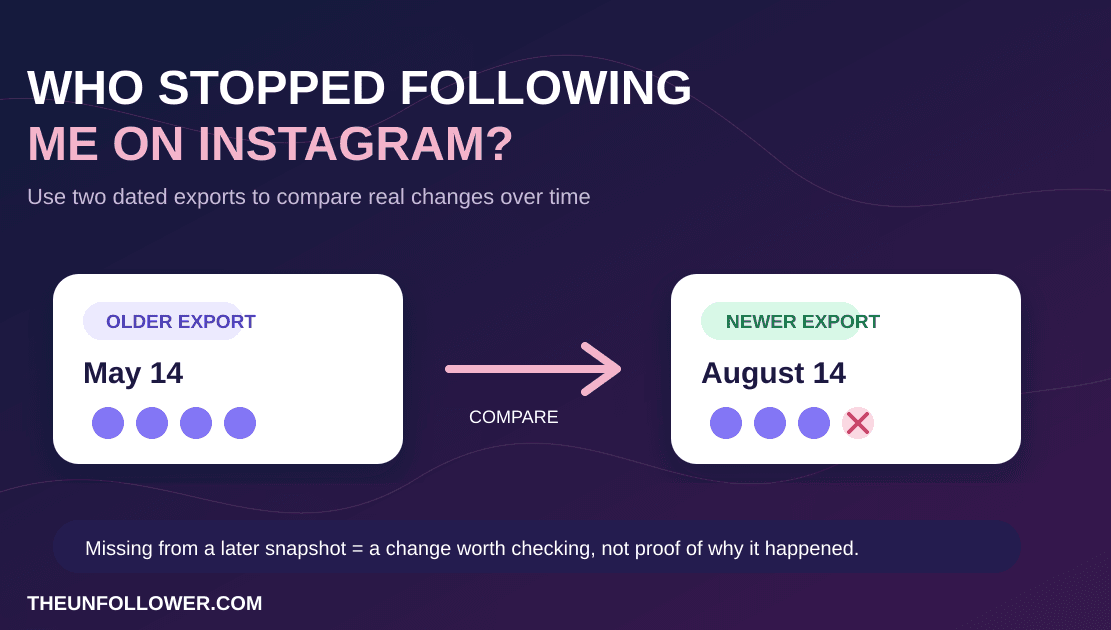
- account relationship changes when you compare exports over time;
- cleanup candidates you may want to review manually.
If you select every category, the request still may work, but it can take much longer and create a large ZIP filled with files that have nothing to do with follower analysis. A focused export is easier to download, easier to upload, and less likely to time out on a slow connection.
Can you download your Instagram followers and following list?
Yes. The official way to download your Instagram followers and following list is through Accounts Center → Download your information → Some of your information → Followers and following.
That is the setting pair that matters for TheUnfollower. You are not looking for a public “export followers” button on your profile. You are requesting Instagram's private account data export, then choosing the Followers and following category inside it.
If you want the cleanest result:
- choose Some of your information instead of a full account export;
- select only Followers and following;
- use All time;
- prefer JSON when available;
- download the original ZIP without extracting or editing it.
This gives you both lists in the same export so you can compare who follows you, who you follow, and who does not follow you back.
3. Configure your export settings
The export settings are the most common source of avoidable problems. Before starting the request, check each option carefully.
Date range: All time
Choose All time so Instagram includes the complete follower and following lists available for the account. A shorter range can produce incomplete data and may make your results look wrong. TheUnfollower needs the current relationship lists, not a partial activity window.
Format: JSON preferred
Choose JSON if Instagram offers the option. JSON is structured, predictable, and generally the most reliable format for automated parsing. Some exports may offer HTML, and TheUnfollower is designed to handle common formats, but JSON should be your first choice when you can select it.
Media quality: Low
Choose Low media quality. Followers and following analysis does not require high-resolution photos or videos. Keeping media quality low reduces the size of the export, helps Instagram prepare it faster, and makes the final ZIP easier to upload.
Destination: download to device
If Instagram asks whether you want to download or transfer the file, choose the option that lets you download it to your device. The goal is to receive a ZIP file that you can upload directly to TheUnfollower.
4. Start the export
Before clicking Start Export, review the summary. It should show that you are requesting Followers and following, with All time selected, and preferably JSON as the format.
After you start the export, Instagram prepares the file in the background. You may receive an email when it is ready, but you do not always need to wait for the email. You can return to the same Accounts Center download page and check the available downloads area.
If the button is disabled or the request fails, wait a few minutes and try again. Instagram sometimes rate-limits repeated export requests, especially if you recently asked for a full account download.
5. Upload the ZIP to TheUnfollower
When the export is ready, download the ZIP file. Keep it exactly as Instagram provides it.
Then go to TheUnfollower and upload the ZIP into the analyzer. Do not unzip it first. The ZIP structure helps the tool locate the correct followers and following files, including when Instagram changes folder names or adds extra metadata.
If you want the cleanest workflow after the upload, use this order:
- Review How It Works
- Compare your lists in TheUnfollower
- Read who unfollowed me on Instagram for the non-follower workflow
- If the ZIP looks broken, open the ZIP troubleshooting guide
- If the numbers still feel off, check the follower count mismatch guide
After processing, review the results instead of blindly unfollowing everyone on the list. Some accounts may be deactivated, suspended, renamed, or temporarily unavailable. The safest cleanup workflow is to inspect the accounts, use trust or ignore features when available, and make deliberate decisions. The guide to Smart Tabs explains how to organize results without losing track of friends, VIPs, and accounts you intentionally want to keep.
What exact file should you upload into TheUnfollower?
Upload the original Instagram ZIP exactly as Instagram gives it to you.
Do not:
- extract the ZIP and upload a single JSON file;
- rename folders inside the export;
- recompress edited files into a new archive;
- upload screenshots or copied text instead of the export.
TheUnfollower works best when it can inspect the original ZIP structure and find the followers and following data in the format Instagram produced.
What to do if the export looks wrong
Instagram data exports can occasionally be noisy. If you see missing usernames, unexpected counts, or a much larger unfollower list than usual, the problem may be the export rather than your account.
Try these fixes first:
- Request a fresh export using only Followers and following.
- Confirm the date range is All time.
- Choose JSON instead of HTML if possible.
- Upload the original ZIP, not an extracted folder.
- Compare the issue with the troubleshooting guide for a broken Instagram ZIP export.
If your profile count and exported list disagree, read why your Instagram follower count may be wrong. Count mismatches can happen because of caching, deactivated accounts, or changes in how Instagram packages data.
Privacy and account safety tips
A follower cleanup should not put your account at risk. Follow these rules:
- Do not give your Instagram password to unfollower apps.
- Do not install browser extensions that promise hidden Instagram data.
- Do not run aggressive automation that mass-unfollows hundreds of accounts at once.
- Keep your downloaded ZIP private and delete it when you no longer need it.
- Use Instagram's official export page whenever you need a fresh snapshot.
TheUnfollower is built around the file-based method because it keeps you in control. You request the data from Instagram, you upload the file, and you decide what to do with the results.
Related guides
After your export is ready, use it to check who unfollowed you on Instagram. If the ZIP file looks incomplete or confusing, follow the guide to fixing a wrong Instagram followers and following ZIP. If the numbers still do not match your profile, read why your Instagram follower count may look wrong, then use Smart Tabs to review the results safely.
Need the same password-free workflow for X? Follow the guide to download your X/Twitter archive, then analyze it with the Twitter unfollower tracker.
FAQ
How long does Instagram take to prepare the ZIP file?
Many focused followers-and-following exports are ready within a few minutes. Large accounts or busy periods can take longer. If you do not receive an email, return to Accounts Center and check whether the download is already available.
Should I choose JSON or HTML?
Choose JSON when possible. It is the best format for accurate parsing. HTML may be useful for human reading, but JSON is usually cleaner for tools that compare follower relationships.
Can I upload a full Instagram export?
You may be able to, but it is not recommended. A full export is larger and slower because it includes unrelated data. For an unfollower check, Followers and following is the important category.
How to download Instagram followers and following list?
Open Accounts Center, go to Download your information, choose Some of your information, then select Followers and following under Connections. Set the export to All time, choose JSON when available, and download the ZIP file Instagram prepares.
How to download Instagram data followers following list?
Use Instagram's official data export, not a third-party app. The practical flow is: request Some of your information, select Followers and following, keep the file as the original ZIP, then upload that ZIP to TheUnfollower if you want to analyze non-followers safely.
Do I need to choose All time when downloading Instagram followers and following?
Yes. Choose All time so the export contains the complete relationship lists available for your account. A shorter range can make the file look incomplete and can produce misleading comparison results.
Should I download Instagram followers and following as JSON or HTML?
Choose JSON when Instagram offers it. It is the clearest option for a tool that compares relationship lists. Keep the original ZIP either way; do not extract, rename, or recompress the files before upload.
Can I export a list of my Instagram followers?
Yes. Instagram lets you export follower information through Accounts Center. Choose Download your information, select Some of your information, then request Followers and following. The result is usually delivered as a ZIP file rather than a simple spreadsheet.
Can I export Instagram followers to Excel?
Instagram does not usually give you a ready-made Excel file. It provides a ZIP export, often with JSON or HTML files inside. For an unfollower audit, keep the ZIP intact and upload it to TheUnfollower instead of manually converting files before analysis.
Is it safe to upload my Instagram ZIP?
It is safer than giving an app your password. You should still treat the ZIP as private data. Upload it only to tools you trust, avoid sharing it publicly, and delete local copies after your review if you no longer need them.
Why does Instagram show a different number than the file?
Instagram profile counters can be cached, delayed, or affected by deactivated and suspended accounts. If the numbers do not match, use a fresh export and read the detailed follower count discrepancy guide.
Ready to clean up your following list?
Once your official ZIP file is ready, upload it to TheUnfollower and review your results in a safer, password-free way. Start with the official export, keep the ZIP intact, and use the results as a decision guide rather than a blind unfollow list.