How to Use Smart Tabs and Cleanup Statuses
An Instagram unfollow list should not feel like a panic button. It should help you review accounts safely, remember what you already checked, and avoid removing people you actually care about.
TheUnfollower now uses a clearer cleanup workflow. Instead of only tracking whether an account was “visited,” each account can have a specific cleanup status:
- To review — not checked yet
- Opened — profile opened, but no final decision yet
- Done — cleanup decision/action completed
- Keep — reviewed and intentionally kept
- Trusted — safe/known account that should be protected
- VIP — important account you intentionally follow
- Ignored — noise you do not want to review again
Smart Tabs use these statuses to keep your review list focused. You can open profiles, come back later, and clearly separate accounts that still need a decision from accounts you have already handled.
What changed in the cleanup workflow
Older cleanup flows often treated an opened or visited profile as “finished.” That was too simple. Opening a profile is only one step. You may still need to decide whether to unfollow, keep, trust, mark as VIP, or ignore it.
The new workflow separates review activity from final decisions:
- To review and Opened are unfinished statuses.
- Done, Keep, Trusted, VIP, and Ignored are resolved statuses.
That means an account you opened still remains available in the review workflow until you choose what happened next. This is safer because you do not lose context just because you clicked a profile.
The status system explained
To review
To review means the account has not been checked yet.
Use this as your starting point. These are the accounts that still need attention. When you first upload your Instagram data, new results begin here.
Good next step: open the profile and decide whether it belongs in another status.
Opened
Opened means you clicked through to the Instagram profile, but you have not made a final decision.
This is useful when you are reviewing manually. Maybe you opened a profile, got interrupted, or wanted to inspect the account before deciding. The account is no longer untouched, but it is not complete yet.
Use Opened for: “I looked at this, but I still need to decide.”
Done
Done means the cleanup decision is complete.
Use this after you have finished with an account. For example, if you opened Instagram, reviewed the profile, and completed the unfollow or final action you intended to take, mark it as Done.
Use Done for: “This account is handled.”
Keep
Keep means you reviewed the account and decided not to remove it.
This is different from Trusted. Keep is a decision for the current cleanup session: you looked at the account and chose to keep following it.
Good candidates for Keep include:
- a creator you still enjoy
- a brand or restaurant you still want to follow
- a public account that is useful but not personally important
- an account you are unsure about and prefer not to remove today
Use Keep for: “I reviewed this account and I’m keeping it.”
Trusted
Trusted means the account is safe, known, or important enough that it should not be repeatedly flagged as suspicious.
Trusted is stronger than Keep. A kept account may simply be useful or interesting. A trusted account is someone or something you actively want to protect from accidental cleanup.
Good candidates for Trusted include:
- close friends and family
- teammates, clients, or collaborators
- people you regularly message
- accounts you know are safe despite export noise
- any relationship where an accidental unfollow would be awkward
Use Trusted for: “This account is safe. Don’t keep treating it like a cleanup target.”
VIP
VIP is for high-value accounts you intentionally follow, even if they do not follow you back.
These accounts may be part of your personal life, work, research, content strategy, or inspiration system. They are not necessarily mutual relationships, but they matter.
Good candidates for VIP include:
- clients, partners, or key professional contacts
- creators whose content is especially valuable
- celebrities or public figures you intentionally follow
- competitors or industry accounts you monitor
- news, education, fitness, fashion, design, travel, or business inspiration accounts
Use VIP for: “This account is important enough to keep separate from normal cleanup.”
Ignored
Ignored means the account is noise you do not want to review again.
Ignored is not the same as Keep or Trusted. Keep means you made a decision to continue following. Trusted means the account is protected. Ignored means the entry is clutter and should stay out of your way.
Good candidates for Ignored include:
- deleted-looking or deactivated accounts
- obvious spam accounts
- profiles with no useful identity information
- old accounts you no longer care about but do not need to think about again
- repeated noisy entries from imperfect Instagram export data
Use Ignored for: “Hide this from my decision list.”
How Smart Tabs work now
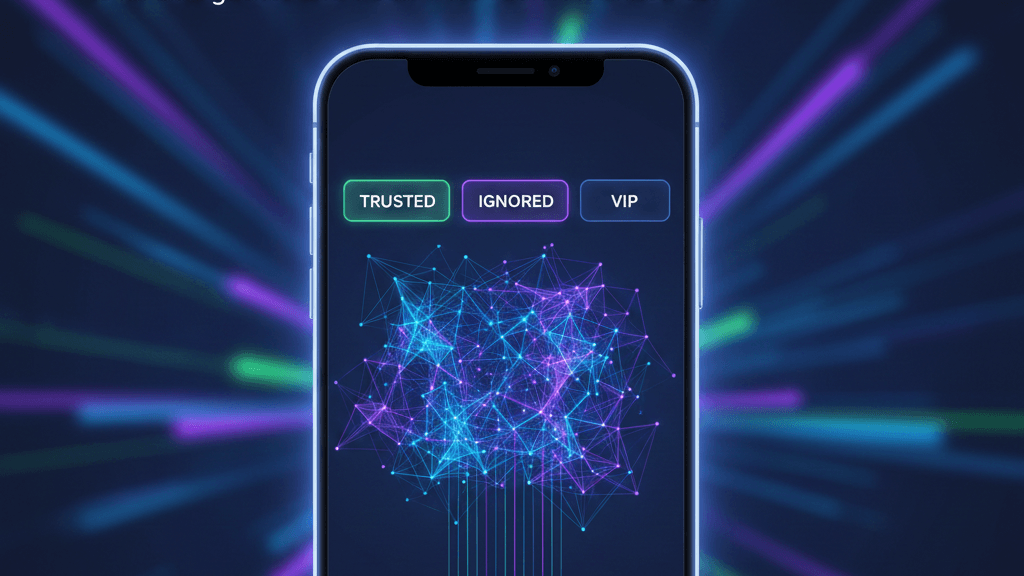
Smart Tabs organize your cleanup by status:
- To Review shows accounts that still need a decision, including accounts marked Opened.
- Kept shows accounts you reviewed and chose to keep.
- Done shows accounts where cleanup is complete.
- Trusted shows safe or known accounts you protected.
- VIP shows important accounts you intentionally follow.
- Ignored shows clutter or repeated noise you do not want in the main review flow.
The important detail is that Opened is not the same as Done. Opening a profile helps you inspect it, but the account stays unfinished until you choose a final status.
This gives you a safer manual workflow:
- Upload your official Instagram data.
- Start in To Review.
- Open profiles one by one.
- Mark each account as Done, Keep, Trusted, VIP, or Ignored.
- Use the tabs to check what is still pending and what is already resolved.
A practical cleanup workflow
Step 1: Start with To Review
Begin with accounts in To Review. These are your untouched results. Do not rush into unfollowing everything. The goal is to make accurate decisions, not fast mistakes.
Step 2: Open the profile before deciding
Click an account to inspect it on Instagram. After you open it, TheUnfollower can treat it as Opened so you know you already looked at it.
Opened accounts still need a final decision. They remain visible in the review flow so you can come back later.
Step 3: Mark real cleanup as Done
If you finish handling the account, mark it Done. This keeps your dashboard accurate and helps you avoid reviewing the same account again.
Step 4: Use Keep for normal accounts you still want
If you decide the account should stay in your following list, mark it Keep.
Use Keep for ordinary “I still want this” decisions. For example, you may keep a useful creator, restaurant, shop, or public account even if they do not follow you back.
Step 5: Protect important relationships with Trusted
Use Trusted for accounts you do not want to accidentally remove or repeatedly question. This is best for friends, family, collaborators, clients, and known-safe accounts.
Trusted is more permanent than Keep. Use it when the account should be protected beyond one casual cleanup pass.
Step 6: Mark important intentional follows as VIP
Use VIP when the account is strategically or personally important. A VIP may not follow you back, but you follow them for a clear reason.
This is especially useful if you care about your Instagram follower-to-following ratio. A cleaner ratio is helpful, but it should still reflect your real interests and priorities.
Step 7: Move noise to Ignored
Use Ignored for entries that are not worth repeatedly reviewing, such as ghost accounts, spam-looking profiles, or noisy export artifacts.
If your list feels overwhelming, Ignored can make it smaller and calmer without pretending every entry is a meaningful relationship decision.
Keep vs Trusted vs VIP
These three statuses can look similar at first, but they mean different things.
Keep means: “I reviewed this account and decided not to remove it.”
Use it for normal accounts you still want to follow.
Trusted means: “This account is safe or known, so protect it from repeated cleanup decisions.”
Use it for people and relationships where an accidental unfollow would matter.
VIP means: “This account is especially important or intentional.”
Use it for high-priority people, creators, partners, clients, or strategic accounts.
A simple rule:
- If it is useful today, mark Keep.
- If it is safe/known and should be protected, mark Trusted.
- If it is especially important, mark VIP.
Why this is safer than mass unfollowing
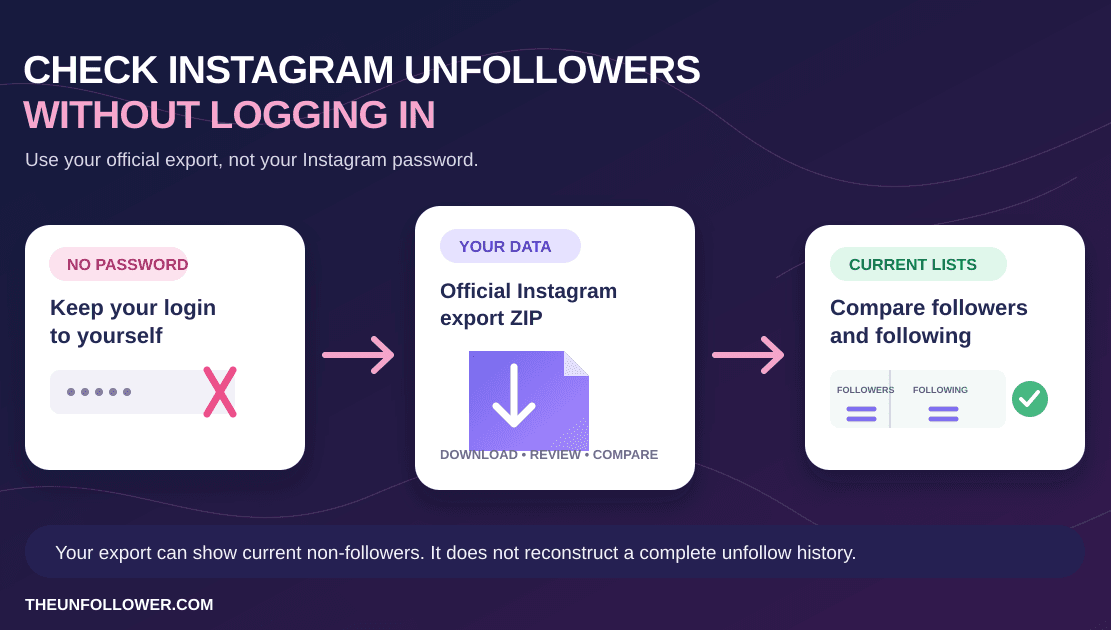
TheUnfollower is built for privacy-first, manual cleanup. It helps you interpret your official Instagram data export without asking for your Instagram password.
Smart Tabs and cleanup statuses help because they slow the process down in the right places. You can separate data noise from real decisions, protect important people, and avoid treating every non-follower as a mistake.
Use these habits:
- Review before taking action.
- Do not treat Opened as finished.
- Use Done only when the cleanup decision is complete.
- Use Keep when you intentionally continue following.
- Use Trusted for safe relationships.
- Use VIP for important intentional follows.
- Use Ignored to hide repeated clutter.
- Avoid aggressive mass unfollowing.
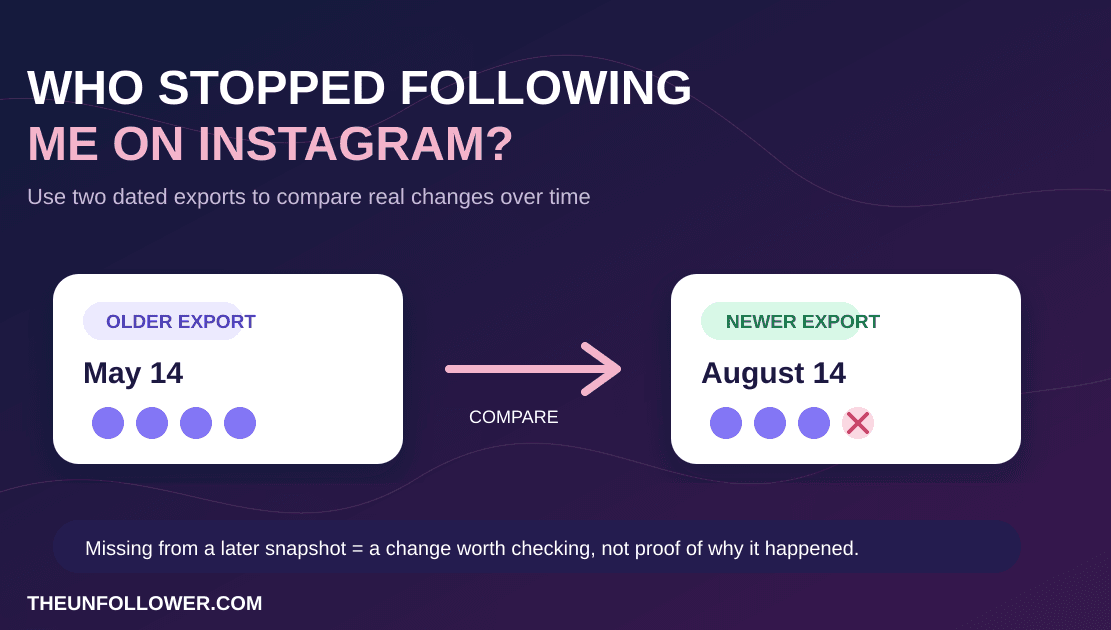
- Request a fresh Instagram export periodically.
If you need the right files, follow our guide on how to download your Instagram data. If your export looks wrong, read the guide to wrong Instagram follower and following ZIP results.
Related guides
Smart Tabs work best after you have created a safe review list. Start with the guide to checking who does not follow you back, then use the workflow for unfollowing on Instagram manually. If your goal is a healthier account overall, read why to clean your Instagram following list. For a broader cleanup strategy, compare manual vs automated unfollowing.
FAQ
Do Smart Tabs unfollow people automatically?
No. Smart Tabs organize your results. TheUnfollower is built for privacy-first analysis and manual decision-making, not risky automation.
Is Opened the same as Done?
No. Opened means you clicked or inspected the profile. Done means the cleanup decision is complete. Opened accounts still need a final status.
Should I use Keep or Trusted?
Use Keep when you reviewed an account and decided to continue following it. Use Trusted when the account is safe, known, or important enough that it should be protected from repeated cleanup decisions.
When should I use VIP?
Use VIP for accounts that are especially important or intentional: clients, partners, key creators, public figures, industry accounts, or inspiration accounts you actively value.
What should I do with deactivated accounts?
If an account looks deleted, broken, spammy, or irrelevant and you do not want to review it again, mark it as Ignored.
Can Smart Tabs fix incorrect Instagram export data?
They do not change Instagram’s files. They help you interpret the data with human context so your final review list is more accurate.
How often should I review my statuses?
Review them whenever your account strategy changes. A VIP account may become irrelevant, a kept account may no longer be useful, or a casual contact may become trusted.
Build a cleaner unfollow list
Smart Tabs make Instagram cleanup more thoughtful. To Review and Opened show what still needs a decision. Done, Keep, Trusted, VIP, and Ignored show what you have already resolved.
If your following list feels messy, upload your official Instagram data at TheUnfollower, review accounts safely, and turn a confusing list into a clear cleanup plan.