Why does it look like Instagram is unfollowing my followers?
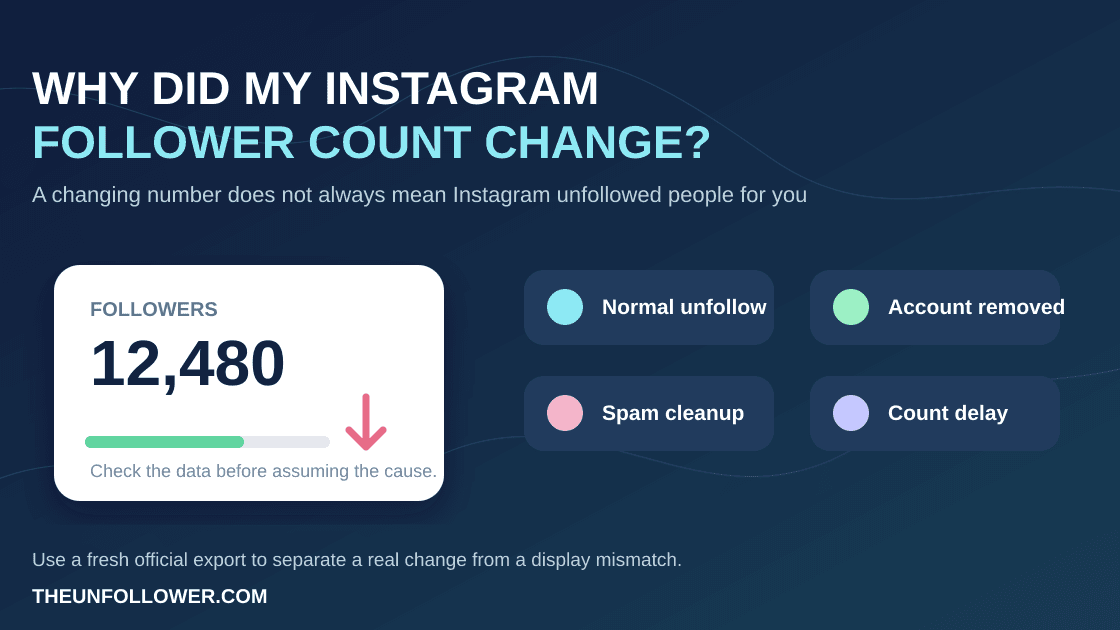
In most cases, Instagram is not randomly making active people unfollow you. A changing follower number can come from a person choosing to unfollow, an account being deactivated or removed, a delayed count update, or two parts of Instagram showing different snapshots at different times.
The important distinction is between a real change in your follower relationship and a display or data mismatch. Do not rush to change your password, contact followers, or use a login-based tracker just because one number moved.
Check your follower data without sharing your password
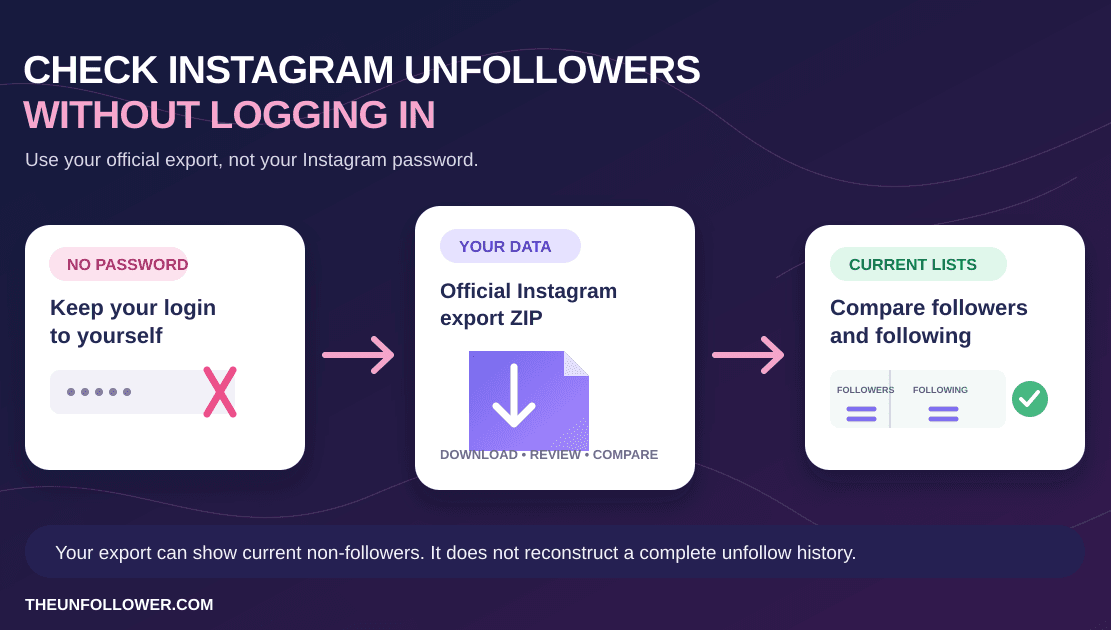
Upload your official Instagram export ZIP to compare followers and following safely. TheUnfollower analyzes the file; it does not log in to Instagram or perform unfollow actions.
Open TheUnfollowerFirst: Instagram does not automatically unfollow people for you
Instagram does not automatically unfollow people for you as a normal account-management feature. If your follower count drops, the explanation is usually one of these:
- A person unfollowed your account.
- An account was deactivated, deleted, suspended, or otherwise became unavailable.
- You removed a follower, intentionally or by mistake.
- Instagram removed spam or inauthentic accounts.
- A profile counter, follower list, and export are showing different snapshots.
A single count is not enough to prove which explanation applies. Follower totals can update at different times from the visible list, especially after recent activity or on larger accounts.
Why your follower count can drop without a warning
Someone unfollowed normally
The simplest reason is still the most common: someone chose to unfollow. Instagram does not send a notification for every unfollow, so the number may be the first sign you notice.
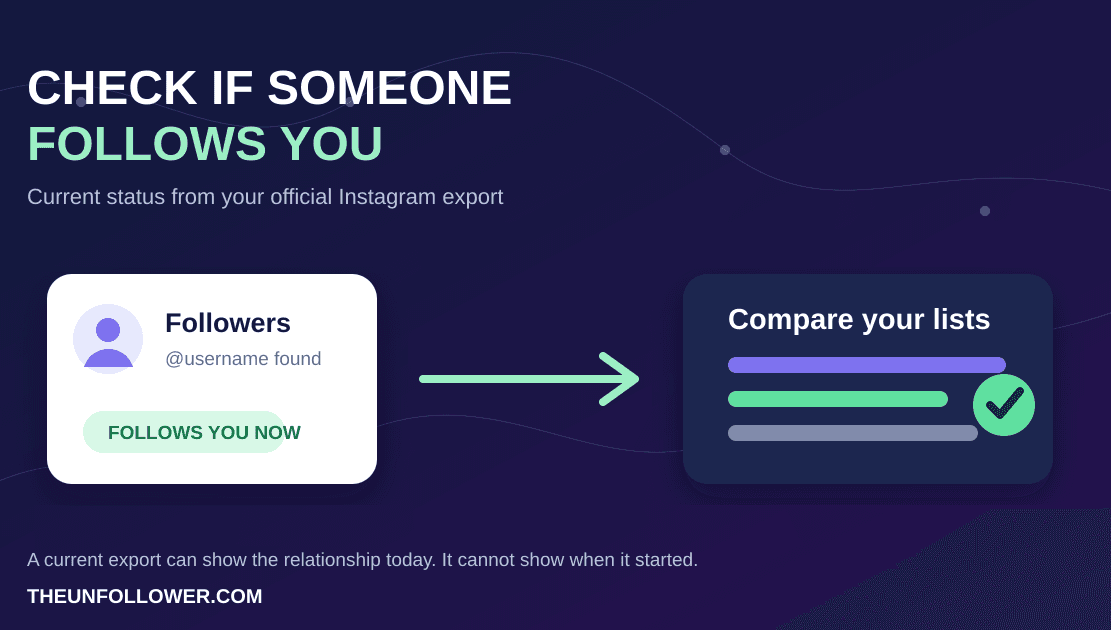
That does not tell you who changed the relationship. A current export can show who does not follow you back now, but it cannot prove that a specific person followed you yesterday unless you have an older snapshot to compare.
For the difference between current non-followers and historical unfollows, read Who Unfollowed Me on Instagram?.
An account became unavailable
A follower may deactivate their account, be suspended, delete their profile, or otherwise become unavailable. That can affect the number you see without meaning they made a normal unfollow decision.
This is also why a follower list, profile counter, and downloaded export may not always line up perfectly. Different views can refresh at different times or handle unavailable accounts differently.
Instagram removed spam or inauthentic accounts
Platforms periodically remove accounts that violate their rules or appear inauthentic. If some of those accounts followed you, your follower count can decline even though you did nothing wrong.
There is no reliable way to identify every removed account from one live count. Treat a small drop as a signal to observe, not as proof of a problem with your account.
You are comparing different moments in time
A profile counter is a live display, while an export is a file created after you request it. If you downloaded an export last week and compare it with the app today, changes in between are expected.
For a clearer comparison, use a fresh official export and review it soon after downloading. If you want to see historical change, keep dated snapshots rather than relying on memory or one changing number.
What if the followers list and count do not match?
Small differences can be normal. Instagram may cache the profile count while the list loads separately, and unavailable accounts may appear differently in each place.
Start with this quick check:
- Refresh your profile and reopen the followers list.
- Check again later instead of repeatedly refreshing in one session.
- Update the Instagram app if it looks stuck.
- Compare the browser and app views if you can.
- Request a fresh Followers and following export if the difference is important or persistent.
If the mismatch is only a few accounts after recent activity, wait before assuming anything is broken. If it is very large, includes blank usernames, or produces an implausible result in a tool, investigate the export and its format before acting on the list.
Our guide to fixing a wrong Instagram follower or following count explains those mismatches in more detail.
How to check what changed safely
The safest approach is to separate the two questions:
- Who is not following me back now? Compare your current followers and following lists.
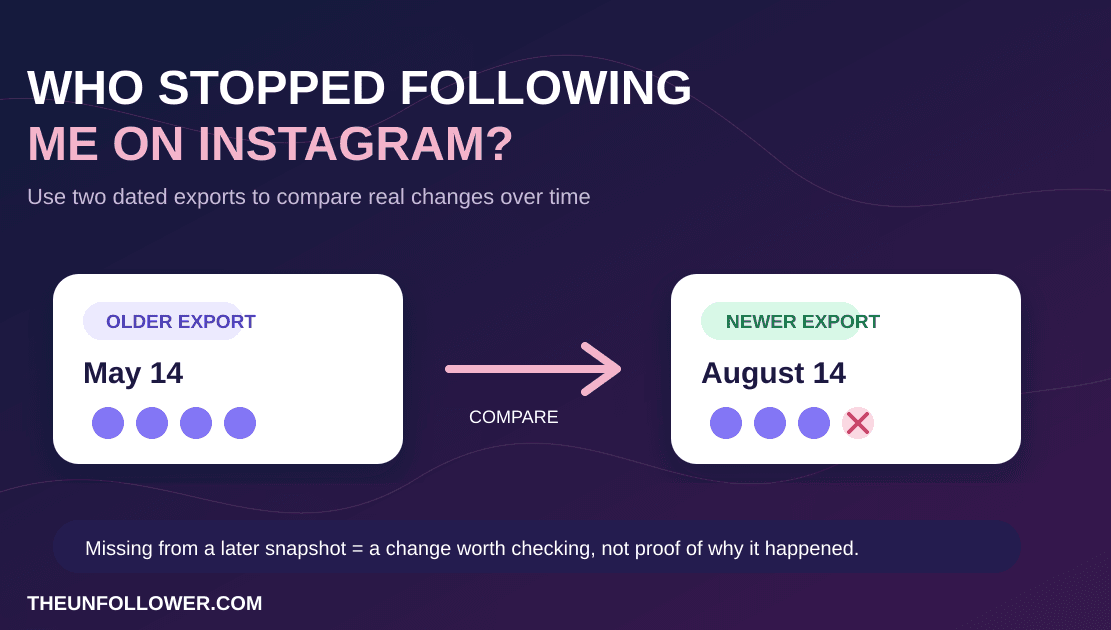
- Who unfollowed me since last time? Compare an older follower snapshot with a newer one.
For the first question, request your official Instagram export, then use TheUnfollower or the main TheUnfollower tool to review the relationship lists without sharing your Instagram password.
For the second question, save periodic exports with clear dates. A before-and-after comparison gives you evidence that one current export alone cannot provide.
Do not use a follower drop as a reason to mass unfollow
A follower decrease can feel frustrating, but it is not a reliable reason to remove everyone who does not follow you back. Some non-followers are friends, clients, creators, businesses, or accounts you intentionally follow.
If you decide to tidy your following list, make a review list first and act manually inside Instagram. Avoid extensions, bots, or apps that promise to click through a large unfollow queue for you.
Use How to Unfollow on Instagram Safely for a step-by-step cleanup workflow that keeps account control with you.
When should you be concerned?
A small or occasional change is usually not an emergency. It is worth looking closer when:
- Your count drops dramatically in a short time.
- You see unusual login alerts, password-reset emails, or unfamiliar sessions.
- Followers report that they cannot follow your account.
- Your profile, posts, or account settings changed without your action.
- A tracker produces blank usernames or results that do not fit your real account.
For suspicious-login signs, secure your Instagram account through Instagram’s own settings and support flow. Do not give your password to a third-party tool that claims it can repair the issue.
Related guides
To understand current non-followers and historical unfollows, read Who Unfollowed Me on Instagram?. To review your data in the product, open Follower Insights. If you want to clean up who you follow, use How to Unfollow on Instagram Safely. For a count mismatch, see the Instagram follower and following count fix guide.
FAQ
Why did my Instagram follower count go down?
Someone may have unfollowed, an account may have become unavailable, Instagram may have removed inauthentic accounts, or the visible count may be catching up with recent activity. Check again after some time before treating a small change as a serious issue.
Can Instagram remove followers by itself?
Instagram can remove accounts that violate its rules or become unavailable, but it does not normally unfollow active people from your account at random. A changing count needs context before you can know what happened.
Can I see exactly who unfollowed me?
Not from one current export alone. You need a previous follower snapshot and a later snapshot to identify a historical change. One export can still help show who does not follow you back right now.
Does TheUnfollower unfollow people for me?
No. TheUnfollower does not automatically unfollow people for you. It helps compare your official export data so you can review relationships and make any decisions manually inside Instagram.