Instagram follower count wrong? Start with this quick check
If your Instagram follower count looks wrong, do not assume people suddenly unfollowed you. Check whether the mismatch is a delayed profile counter, an unavailable account, or an old or misread export before you act.
Instagram numbers are supposed to feel simple: one profile count, one followers list, and one following list. In practice, those numbers can disagree. Your profile may show one follower count, the list may appear to contain a different number of accounts, and a data export may produce still another total. If a follower tracker suddenly reports a huge jump in unfollowers, the confusion gets worse.
A wrong follower count does not always mean people unfollowed you. It can be caused by cached counters, delayed updates, deactivated accounts, suspended profiles, renamed accounts, or a tool that misreads Instagram's newer export format. Since Instagram changed parts of its data export structure in late 2025, these discrepancies have become more visible for people who audit their followers regularly.
This guide explains the most common causes, what you can and cannot fix inside Instagram, and how to verify your real relationship lists using the official data method with TheUnfollower.
Check the real relationship lists safely
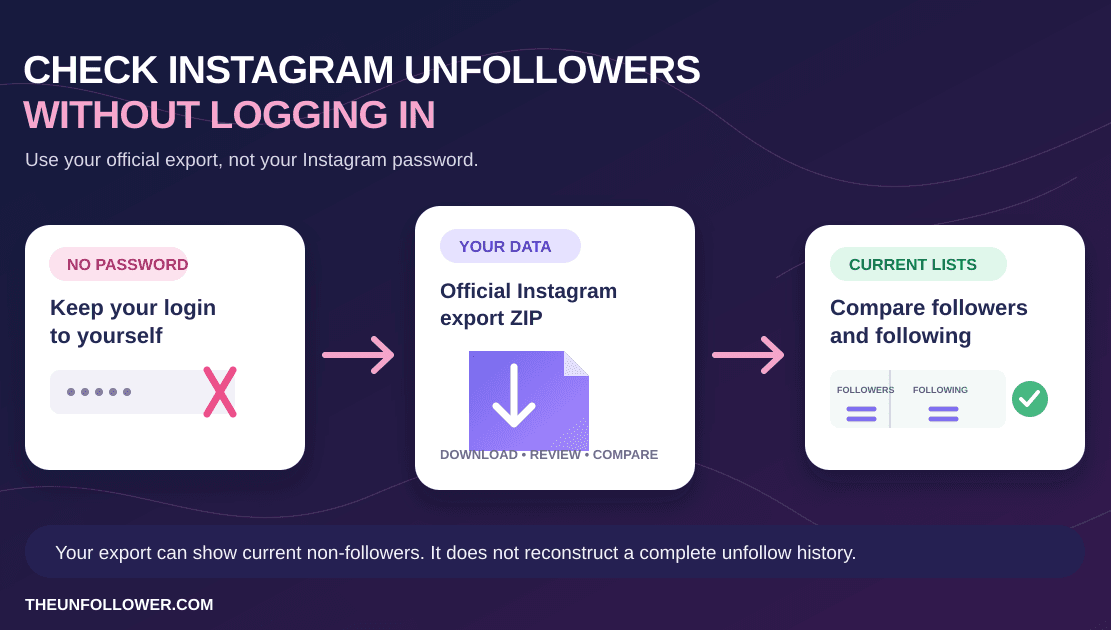
Upload your official Instagram export ZIP to compare followers vs following. No Instagram password, no login handoff, and no automated unfollow bot.
Open TheUnfollowerQuick diagnosis: why Instagram may show the wrong follower or following count
If Instagram is showing the wrong follower or following count, start with the most likely explanations before assuming you lost followers:
- Cached profile numbers: the public count may lag behind the real list.
- Delayed list updates: followers and following lists can refresh at a different speed than the profile counter.
- Deactivated or suspended accounts: unavailable accounts may appear in one source but not another.
- Username changes: renamed accounts can look like missing followers when you compare old exports.
- Old data exports: a ZIP downloaded days ago is only a snapshot from that request time.
- Wrong export settings: partial exports can miss the relationship files you need.
- Outdated follower tools: older parsers may misread Instagram's current ZIP structure.
Use this decision tree first
- The difference is only a few accounts and you recently had follow activity: refresh, check again later, and compare the profile counter with the in-app list. This is usually a cache or delayed-list update.
- The list differs but the count has been stable for a while: consider unavailable, deactivated, suspended, or renamed accounts before treating them as real unfollows.
- Your export or a tool reports a much bigger difference than Instagram: request a fresh Followers and following export, select All time and JSON when available, and keep the ZIP untouched.
- The fresh ZIP produces blank names, missing files, or implausible results: use the Instagram ZIP troubleshooting guide before acting on the list.
The safest verification path is a fresh official export → upload the untouched ZIP to TheUnfollower → compare the two relationship lists. That gives you a better basis than one cached profile number.
The three numbers Instagram may show you
When people say their follower count is wrong, they are often comparing different sources without realizing it. Instagram can expose follower information in several ways:
- Profile counter: the public number displayed on your profile.
- In-app list: the scrollable list of followers or following accounts.
- Official data export: the ZIP file you request from Accounts Center.
Those three sources are not always generated at the same moment or from the same cache. The profile counter is optimized for speed. The in-app list may load dynamically and hide or reorder certain accounts. The export is a snapshot created when Instagram processes your data request. If you compare them seconds, hours, or days apart, small differences are normal.
The goal is not to force every number to match instantly. The goal is to identify which differences are harmless delays and which ones point to a broken export or inaccurate unfollower report.
Common reasons your follower count is wrong
1. Instagram profile counters are cached
Instagram serves billions of requests. To keep profiles fast, it can show follower and following counts from a cache rather than recalculating the exact number every time you refresh. That cache may lag behind the underlying account data.
This is why you might remove followers, gain followers, or have accounts deactivate without seeing the public count update immediately. For most users, the mismatch is temporary. It may correct after the app refreshes, the cache expires, or Instagram's backend finishes syncing.
2. Followers lists update differently than profile counts
The visible followers list is not always a perfect mirror of the profile counter. It may load in chunks, omit accounts that are unavailable, or change ordering as Instagram refreshes data. If you manually count the list, you may not be counting the same snapshot used by the profile number.
This is especially noticeable on larger accounts, accounts with frequent follow activity, and accounts that recently removed bots or inactive followers.
3. Deactivated and suspended accounts create ghost records
Some accounts no longer behave like active Instagram profiles. They may be deactivated, suspended, deleted, memorialized, or temporarily disabled. Instagram may include these accounts in one data source and omit them from another.
For follower tracking, that creates a ghost account problem. A ghost account can appear in your following export but not in your followers export, causing simple tools to label it as someone who does not follow back. In reality, the account may not be an active person you need to act on.
4. New export structures can break old tools
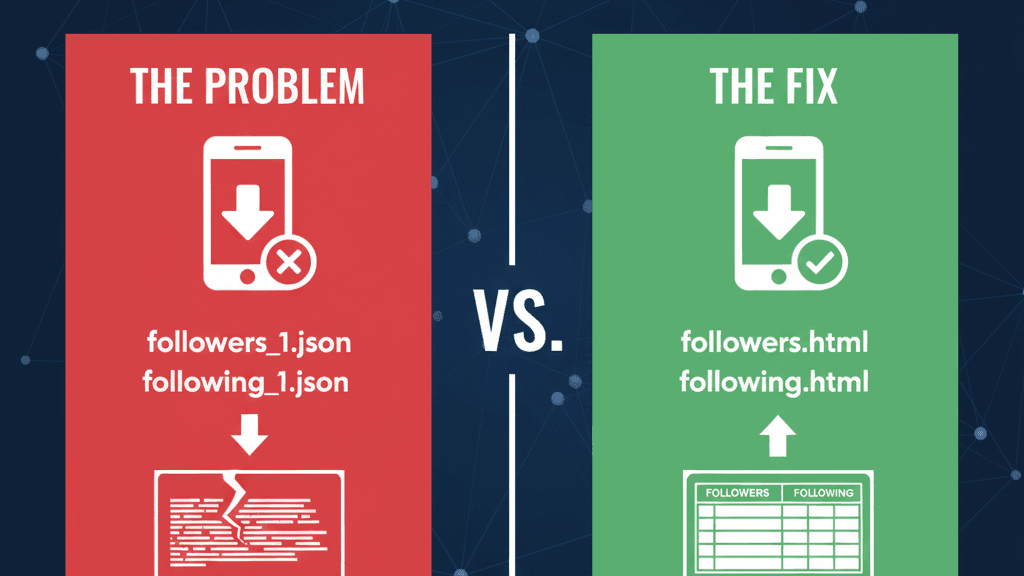
Many follower trackers were built for an older Instagram ZIP format. When Instagram moved fields, changed filenames, or added new relationship metadata, those tools started reading the wrong data. The result can be blank usernames, inflated unfollower totals, or counts that disagree with Instagram by hundreds.
If your issue began right after downloading a new ZIP, read the dedicated guide to fixing a wrong Instagram followers and following export. The file may be valid, but the parser may be outdated.
5. You are comparing different points in time
A follower export is a snapshot. If you request it on Monday and check your profile on Wednesday, the numbers do not have to match. People can follow, unfollow, deactivate, reactivate, or change usernames in the meantime.
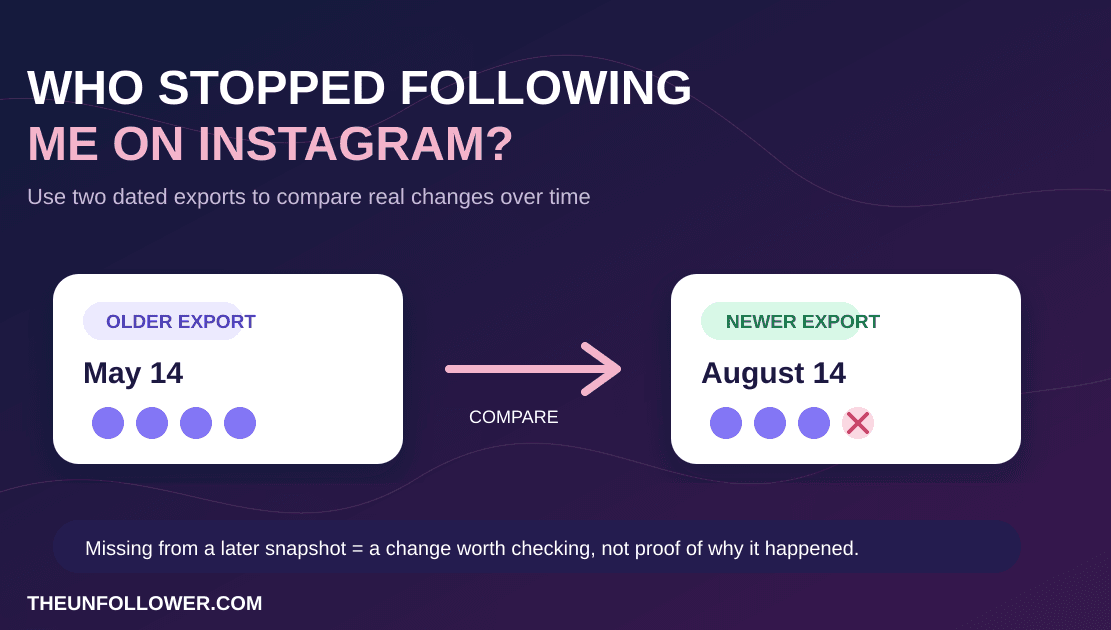
For accurate analysis, use a fresh export and review it soon after downloading. If you want to compare changes over time, keep separate snapshots and label them by date instead of treating an old file as today's truth.
How to verify your real follower data safely
You cannot manually force Instagram's internal counters to sync, but you can get a clearer view of your follower relationships. The safest method is to request your official data from Instagram and analyze it without sharing your password.
Step 1: Request a fresh Instagram export
Open Instagram Accounts Center and request Some of your information. Under Connections, select Followers and following. Choose All time for the date range and JSON if the option is available.
For a full walkthrough, use the guide to download your Instagram followers and following data. It explains the exact settings to choose and why you should upload the original ZIP without extracting it.
Step 2: Upload the ZIP to TheUnfollower
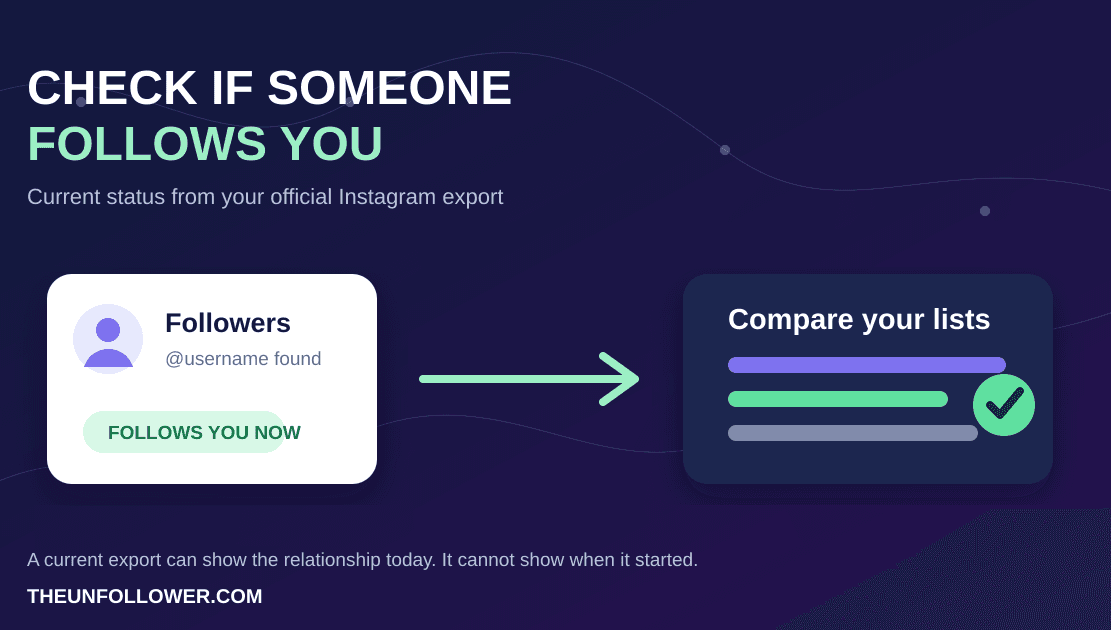
After Instagram prepares the file, download the ZIP and upload it to TheUnfollower. TheUnfollower compares the official followers and following lists to help you see who does not follow back, who you do not follow back, and which accounts may need review.
This method is safer than login-based trackers because you do not provide your Instagram password. You stay in control of the file and the final cleanup decisions.
Step 3: Treat results as a review list
A follower audit should not be a blind mass-unfollow session. Use the results to review accounts and decide what to do. Some accounts may be deactivated, important friends, collaborators, clients, or accounts you intentionally follow even if they do not follow back.
If you need a structured workflow, see how to use Smart Tabs. Categorizing accounts as trusted, ignored, or VIP can make future cleanups faster and safer.
How to tell if the mismatch is normal or serious
A small mismatch is often normal. A serious mismatch usually has stronger symptoms.
Usually normal
- The count differs by a few accounts.
- You recently gained or lost followers.
- The profile counter updates after waiting or refreshing.
- The export was created hours before you checked Instagram.
- One or two inactive accounts appear inconsistently.
Worth investigating
- The count differs by hundreds or thousands.
- A tool shows many
undefinedor blank usernames. - Your ZIP upload returns an empty result.
- A new export suddenly reports far more unfollowers than previous exports.
- The file was extracted, modified, or recompressed before upload.
If you see the second group, request a new focused export and use a parser designed for current Instagram data. Do not act on a suspicious result until you verify it.
What you can do inside Instagram
Instagram does not provide a button to recalculate your follower count. Still, a few simple steps can help rule out temporary app issues:
- Refresh the profile after a few minutes.
- Update the Instagram app.
- Log out and back in if the app seems stuck.
- Check the count from a browser as well as the app.
- Wait several hours if you recently removed followers or changed privacy settings.
These steps may fix display problems, but they will not repair an incomplete export or make an outdated third-party parser accurate. For that, you need a fresh official data file and a modern analyzer.
If you want the shortest path from a count mismatch to a practical answer, use this order:
- Download a fresh Instagram export
- Upload the original ZIP to TheUnfollower
- If the file itself looks wrong, use the ZIP repair guide
- If your goal is cleanup, follow the manual unfollow safety guide
- For the broader question, read who unfollowed me on Instagram
Why password-free tools are better for count checks
When your count is wrong, it is tempting to use any app that promises an instant answer. Be careful. Tools that ask for your Instagram login can create security and account-safety risks. They may trigger suspicious login warnings, collect credentials, or rely on automation that Instagram does not like.
The official data method avoids that. You request the file from Instagram, then upload the ZIP for analysis. TheUnfollower is aligned with this workflow because it focuses on your exported data rather than taking control of your Instagram session. For more detail, read how the process works.
Building a better follower tracking habit
A one-time audit can clean up your following list, but a consistent habit gives you better context. If you care about follower quality, save periodic exports or run audits on a schedule that fits your account size.
For most personal accounts, checking once a month is enough. For creators, brands, or community managers, a weekly or biweekly review may be useful. The important part is to compare similar snapshots and avoid overreacting to daily fluctuations.
You can also pair count checks with broader account hygiene. Review your follower-to-following balance, remove obvious spam, and keep intentional follows even when they are not reciprocal. For strategy context, see the guide on Instagram follower-to-following ratio.
Related guides
If your count looks wrong, first download a fresh Instagram data export. For ZIP-specific problems, use the guide to fixing a wrong followers and following export. When the data is clear, you can check who unfollowed you safely. For broader context, read why privacy-first follower tools matter after Instagram’s 2026 changes.
For X/Twitter follower-count and follow-back questions, start with the Twitter followers vs following guide or open the Twitter unfollower tracker.
FAQ
Why does my Instagram profile show one count while my followers list shows another?
The profile count may be cached, while the list loads from a different data source. Short-term mismatches are common, especially after recent follow activity or account removals.
Why do I see two different numbers of followers on Instagram?
You may be looking at two different snapshots: a cached profile counter, a dynamically loading followers list, or an export created at another time. First wait and refresh. If the difference remains important, request a fresh Followers and following export and compare that untouched ZIP rather than manually counting a live list.
Why do I see two different follower numbers on Instagram?
The two numbers can come from a cached profile counter and a followers list that refreshed at a different time. They can also differ when you compare the app with an older export. Refresh, wait for recent follow activity to settle, and use a fresh official Followers and following export if the difference is still important.
Why does my following count keep changing?
Your following count can change when accounts follow or unfollow, deactivate, reactivate, change username, or are removed by Instagram. The displayed counter can also catch up later than the list. If it keeps changing without clear activity, compare a fresh export with the in-app list before assuming a tool or account has removed follows for you.
Why is my following count wrong?
On Instagram, the following count can lag for the same reasons as the follower count: caching, delayed list refreshes, unavailable accounts, username changes, or comparing an old export with the current app. Wait, refresh, and use a fresh export before assuming the list is broken.
Why does my export show more unfollowers than expected?
The export may include deactivated or suspended accounts, or the tool reading it may not support Instagram's newer file structure. Request a fresh JSON export and upload the original ZIP to a modern analyzer.
Can I force Instagram to fix the count?
Not directly. You can refresh, update the app, check from another device, and wait for caches to sync. If the issue is in the official data export, request a new export after some time.
How do I fix an Instagram follower count glitch?
Start with low-risk checks: update the app, refresh from a browser, log out and back in, and wait a few hours. If the mismatch still matters, request a new Followers and following export and compare that fresh file instead of relying on a cached profile counter.
Is a wrong count proof that someone unfollowed me?
No. Count changes can come from caching, inactive accounts, removals, reactivations, and delayed syncs. Use an official export comparison before drawing conclusions.
How often should I download my Instagram data?
For casual cleanup, monthly is usually enough. If you manage a creator or business account, you may want a weekly or biweekly snapshot. Always use fresh data before making cleanup decisions.
Get a clearer answer without sharing your password
If your Instagram follower count looks wrong, start with a fresh official export instead of guessing from the profile number. Download Followers and following from Accounts Center, keep the ZIP intact, and upload it to TheUnfollower. You will get a clearer review list, avoid password-sharing risks, and make better decisions about who to keep, trust, ignore, or unfollow.