The Promise of One-Click Unfollowing Is Tempting
If your Instagram following list has grown out of control, automated unfollow tools can look like the perfect shortcut. They promise to find everyone who does not follow you back and remove them in minutes. No scrolling, no searching, no repetitive tapping.
That convenience is exactly why so many people try them. It is also why they can be dangerous.
Instagram accounts are valuable. They hold private messages, brand relationships, audience trust, creator income, customer leads, personal memories, and years of social history. Handing control of that account to an unknown automation tool just to save a few minutes is rarely a smart trade.
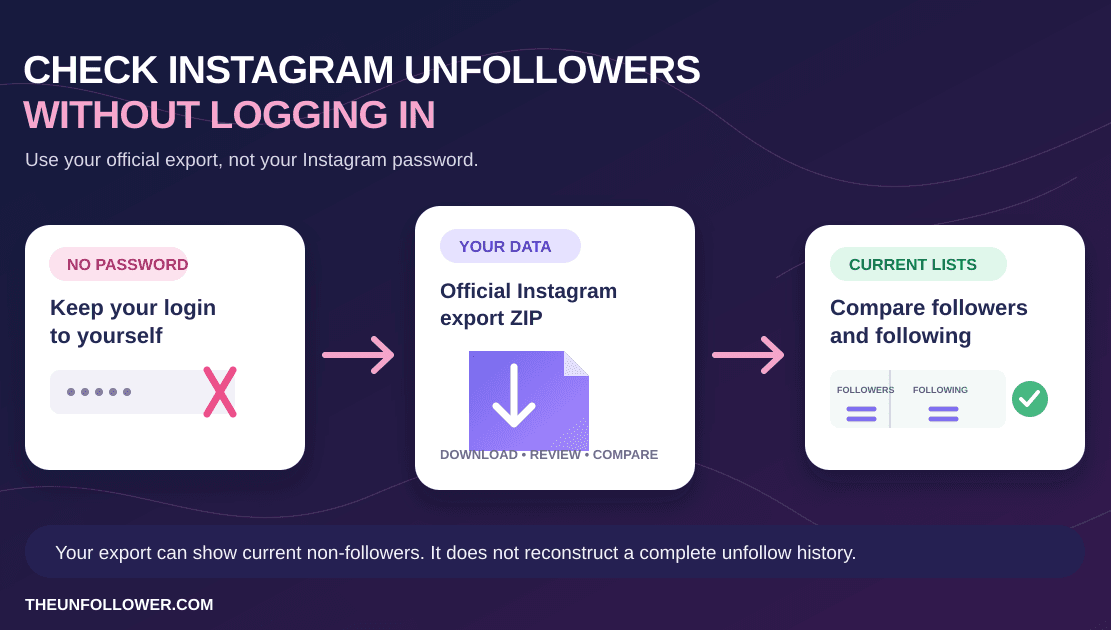
The safer option is a manual workflow assisted by a privacy-conscious tool. TheUnfollower helps you identify non-followers from your own Instagram data export, then you decide what to do next. It does not need your Instagram password and it does not automate unfollow actions.
Quick Answer: Should You Use Instagram Auto Unfollow?
For most accounts, no. Instagram auto unfollow tools and mass unfollow bots can create three avoidable risks: they may ask for your login, they may repeat actions in a pattern that looks automated, and they may remove accounts you actually wanted to keep.
A safer approach is to let software help with analysis, not account control. Use your official Instagram data export to identify accounts that do not follow you back, review that list yourself, and unfollow manually in small batches inside Instagram.
Build a safer cleanup list first
Upload your official Instagram export ZIP to compare followers vs following. No Instagram login, no password sharing, and no auto-unfollow bot.
Open TheUnfollowerHow to Mass Unfollow on Instagram Safely
If you are asking how to mass unfollow on Instagram, the safest answer is not to use a bot that removes hundreds of accounts at once. The safer workflow is to build a focused review list first, then unfollow manually in smaller sessions inside Instagram.
Here is the practical version:
- Download your official Instagram followers and following export.
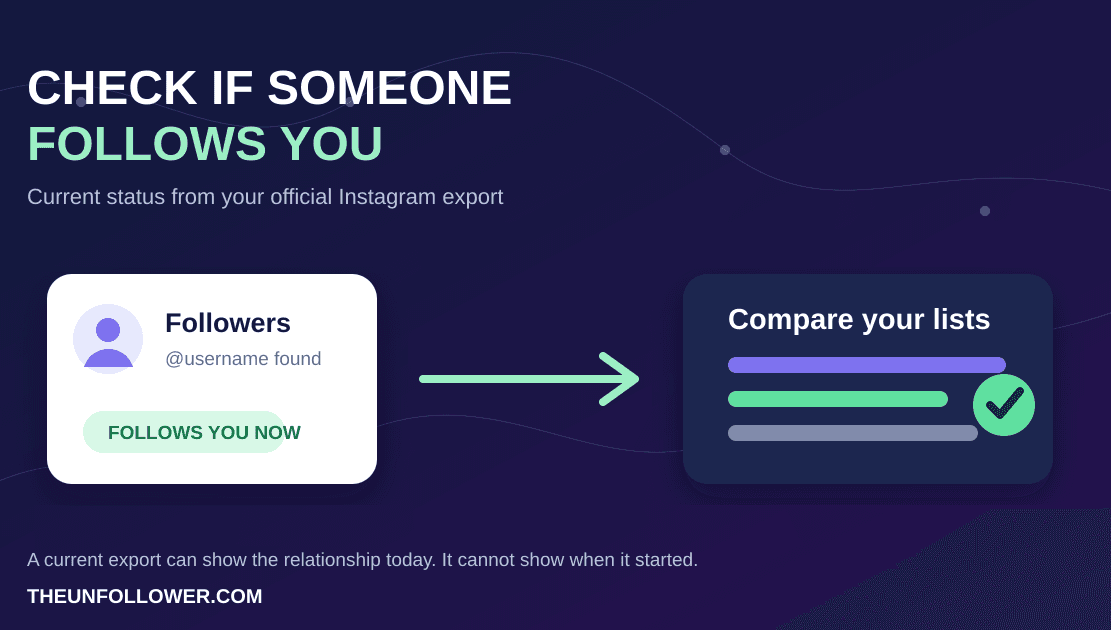
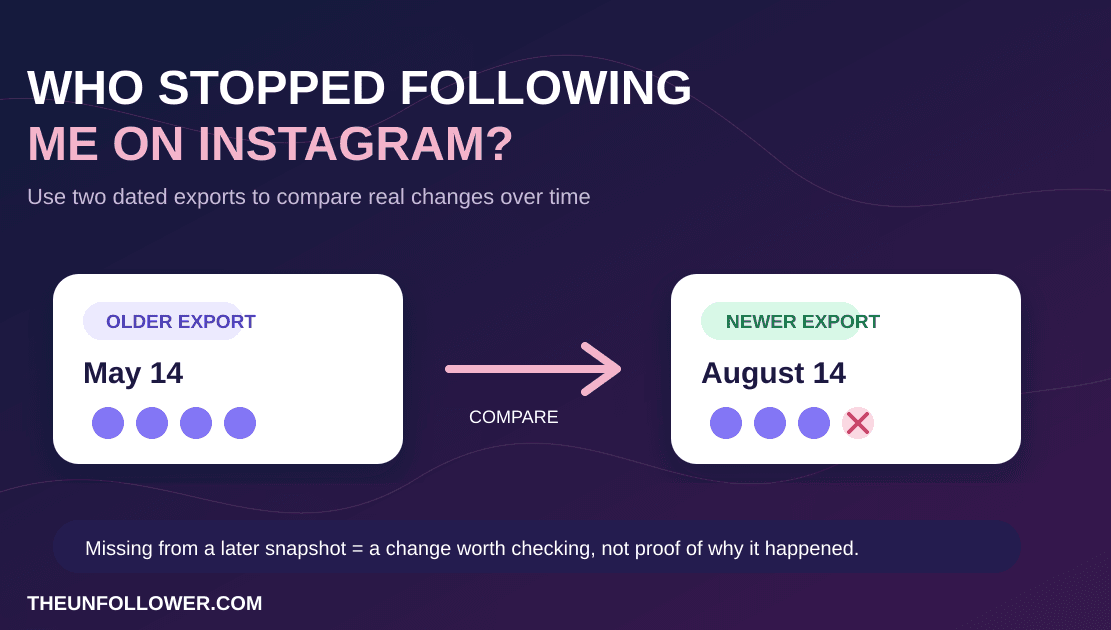
- Use TheUnfollower to find accounts you follow that do not follow you back.
- Sort the list into obvious removals, possible keeps, and trusted or VIP accounts.
- Open Instagram yourself and unfollow only the accounts you are confident about.
- Stop after a small batch, take breaks, and avoid repeating the same action rapidly.
That still helps with a large cleanup, but it avoids the two biggest mass-unfollow risks: giving a third-party app control of your account and creating an obvious automation pattern. Think of it as data-assisted manual cleanup, not one-click bulk removal.
If your list is very large, do not try to finish it all in one day. A slower cleanup gives you time to catch mistakes, keep important accounts, and avoid behavior that looks less human.
If you want the shortest safe path from this article into the actual workflow, use this order:
- Download your Instagram data
- Open TheUnfollower
- Review How It Works
- Check the Privacy Policy
- If the upload looks strange, use the ZIP fix guide
Can you mass unfollow on Instagram without a password?
Yes, but not by giving another app control of your Instagram account.
The safer interpretation of mass unfollow without password is:
- use Instagram's own export to build the review list;
- upload the official ZIP to a password-free analyzer;
- compare followers vs following;
- review the accounts manually;
- unfollow inside Instagram yourself in small batches.
That workflow is slower than a bot, but it keeps the account action manual. It also fits the real job better for most users: identify likely cleanup targets safely, then make deliberate decisions.
What Counts as an Automated Unfollow Tool?
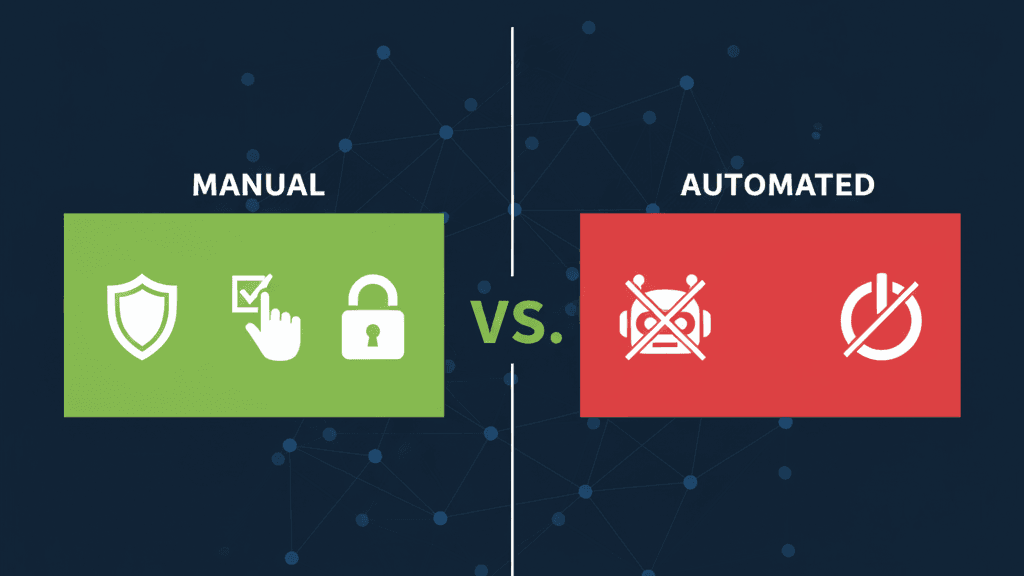
An automated unfollow tool is any app, browser extension, bot, or service that performs Instagram actions for you. Some ask for your username and password. Others connect through unofficial methods. Some run in your browser and simulate clicks. Their promise is usually the same: bulk unfollow, mass unfollow, one-click cleanup, or automatic removal of non-followers.
A manual tool works differently. It may help organize information, compare lists, or show you which accounts do not follow you back. But it leaves the actual Instagram action to you. You open Instagram, review the account, and tap unfollow yourself.
That distinction matters. Using software to understand your own data is very different from letting software control your account behavior.
Reason 1: Manual Unfollowing Protects Your Login
The biggest risk with many automated tools is simple: they want your Instagram credentials.
Once you enter your username and password into a third-party app, you are trusting that service with access to your account. You are also trusting its employees, servers, security practices, data storage, third-party vendors, and future ownership. Even if the tool is not malicious, weak security can still expose your account.
A compromised Instagram account can create real damage:
- Someone may send spam or scams from your profile.
- You may lose access to your account.
- Private messages can be exposed.
- Your brand reputation can be damaged.
- Recovery can take time, and success is not guaranteed.
TheUnfollower avoids this issue by using the Instagram data file you request from Instagram. You upload the file for analysis, not your password. That means the tool can show you who is not following back without logging into your account or taking control of it.
If a service only needs to compare followers and following, it should not need your password. Treat login requests as a major warning sign.
Reason 2: Manual Activity Looks More Natural
Instagram is designed to detect patterns that look automated. A human user may unfollow a few accounts, pause, look at posts, answer a message, close the app, and come back later. A bot may repeat the same action rapidly, at consistent intervals, across a long list.
That kind of repetitive behavior can trigger restrictions. Users often describe these as action blocks, temporary limits, or “try again later” messages. In more serious cases, suspicious activity can lead to account challenges or broader enforcement.
Because Instagram does not publish exact limits, there is no universally safe number of unfollows per hour or per day. However, according to empirical studies and platform usage patterns aligned with the Meta Developer Documentation on Rate Limiting, accounts are subject to dynamic application limits:
- New or Low-Trust Accounts: Restricted to roughly 10-20 actions (follows or unfollows) per hour.
- Aged, Established Accounts: Restricted to roughly 50-60 actions per hour, capped at a maximum of 150-200 actions per day.
An automation tool may not understand your specific risk level and will simply push through a queue until your account triggers security locks.
Manual unfollowing lets you slow down. You can work in small sessions, take breaks, and stop immediately if Instagram behaves oddly. If your account is new, valuable, or recently restricted, you can be extra conservative.
For a practical pacing guide, read how to unfollow on Instagram safely. The short version: small batches beat bulk actions.
Reason 3: Automation Can Remove Accounts You Should Keep
Not every account that fails to follow you back is a bad follow.
You might follow:
- A creator whose content helps your work.
- A client or potential customer.
- A local business you want to support.
- An industry leader who rarely follows back.
- A news page, meme page, or educational account.
- A friend who uses Instagram differently than you do.
A bulk unfollow tool usually does not understand context. It sees a mismatch and removes the account. That can create awkward situations or reduce the value of your feed. In some niches, unfollowing the wrong people can even weaken professional relationships.
Manual review gives you a final decision point. You can keep accounts that matter and remove the ones that do not. That makes the cleanup more strategic, not just more cautious.
Reason 4: You Learn More From the Audit
A following cleanup is not only maintenance. It is feedback.
When you review your non-followers, patterns become visible. Maybe you followed too many giveaway accounts. Maybe your old follow-for-follow strategy attracted low-quality relationships. Maybe your niche has shifted. Maybe you are following accounts that no longer match the audience you want to build.
Automation hides those insights because it turns the process into a black box. You click a button and the list disappears. Manual review shows you what your habits have created and helps you improve them.
That insight is useful for growth. If you care about building a more credible profile, read our guide to followers vs following and authentic Instagram growth and our article on Instagram growth strategy. A clean following list works best when it supports a broader strategy, not when it is treated as a vanity exercise.
When Automation Seems Faster but Costs More
Automation usually wins on speed. But speed is not the only cost.
Ask what happens if an automated tool triggers an action block right before a campaign, launch, collaboration, or important posting window. Ask what happens if the tool unfollows a client, partner, or account you wanted to keep. Ask what happens if your password is stored poorly or your login triggers security checks.
The time saved by automation can disappear quickly if you need to recover an account, rebuild relationships, or wait out restrictions. Manual unfollowing takes longer upfront, but it reduces avoidable risk.
A Safer Alternative: Data-Assisted Manual Unfollowing
You do not have to choose between blind manual scrolling and risky automation. The best middle ground is data-assisted manual unfollowing.
TheUnfollower handles the tedious comparison work. It helps you see who does not follow you back, so you are not manually checking hundreds or thousands of profiles. But it does not take the final action away from you.
This workflow gives you:
- Speed where software is useful: comparing lists.
- Control where humans are better: deciding who to remove.
- Privacy where it matters: no Instagram password required.
- Safety where it counts: no automated unfollow behavior.
If you are cleaning your account for the first time, pair this article with why you should regularly clean your Instagram following list. That will help you understand the long-term value of maintaining a focused account.
How to Manually Unfollow Without Wasting Time
Manual does not have to mean messy. Use a simple system:
Start with the obvious removals
Remove inactive accounts, spam-looking profiles, old giveaway pages, accounts outside your niche, and people you only followed for a temporary reason.
Keep a short “do not remove” list
Before you begin, note important accounts: clients, collaborators, close friends, niche leaders, and creators you genuinely enjoy. This prevents accidental unfollows.
Work in small batches
Do not try to finish a large cleanup in one sitting. Small sessions are safer and less exhausting.
Recheck periodically
After your first cleanup, maintenance becomes easier. A monthly or quarterly review is usually enough for many users.
Related guides
If you choose the safer manual route, follow the complete guide to unfollowing on Instagram step by step. To build your review list first, learn how to see who does not follow you back. Start the official file workflow with download your Instagram data, and if the export looks odd use the ZIP fix guide. For ongoing cleanup, read why you should clean your Instagram following list and how Smart Tabs help separate trusted accounts from cleanup targets.
The same automation warning applies outside Instagram. For X, use a password-free Twitter follower tracker based on your official archive instead of tools that ask for your login.
FAQ
Are automated unfollow tools against Instagram rules?
Any tool that controls your account or performs actions on your behalf can create policy and safety concerns. Instagram also detects suspicious automated behavior. The safer approach is to avoid tools that log in as you or automate unfollow actions.
Is manual unfollowing completely risk-free?
No action is completely risk-free if done excessively. However, manual unfollowing in small, reasonable batches is far safer than rapid bulk automation.
How do I mass unfollow people on Instagram without a bot?
Use a tool only to identify likely cleanup targets, then unfollow manually inside Instagram. TheUnfollower can show accounts that do not follow you back from your official data export, but it does not automate the unfollow action. For a large list, work in small batches and keep important accounts before removing anyone.
How to unfollow all on Instagram?
Instagram does not offer a safe, one-click way to unfollow every account, and a third-party service that promises it would need to automate actions on your account. Instead, make a review list from your official export, keep the accounts that matter, and unfollow the remaining accounts yourself in small sessions inside Instagram.
How to unfollow all at once?
Do not try to unfollow all at once with a bot, extension, or login-based app. A safer alternative is to use TheUnfollower to identify likely cleanup targets without sharing your password, then decide manually who to remove. This keeps account control with you and reduces avoidable mistakes and automation risk.
Can I use TheUnfollower without sharing my password?
Yes. TheUnfollower works from your Instagram data export and does not require your Instagram login credentials.
Why not just unfollow everyone who does not follow me back?
Because some non-followers are still valuable. Manual review lets you keep accounts that educate, inspire, entertain, or support your goals.
What is the best tool to see who does not follow me back?
A good tool should be password-free, easy to understand, and focused on analysis rather than risky automation. TheUnfollower is designed around that safer workflow.
Choose Control Over Convenience
Automated unfollow tools offer speed, but they can also introduce login risk, account restrictions, and poor decisions. Manual unfollowing takes more intention, but it protects your account and gives you a better understanding of your Instagram network.
Use TheUnfollower to find accounts that do not follow you back, review the list carefully, and unfollow manually inside Instagram. It is the smarter way to clean your account without handing control to a bot.