How to Unfollow on Instagram: The Quick Answer
To unfollow someone on Instagram, open their profile, tap Following, then tap Unfollow to confirm. That is the direct manual method; for a larger cleanup, decide who to remove first and work through a few accounts at a time rather than trying to automate the process.
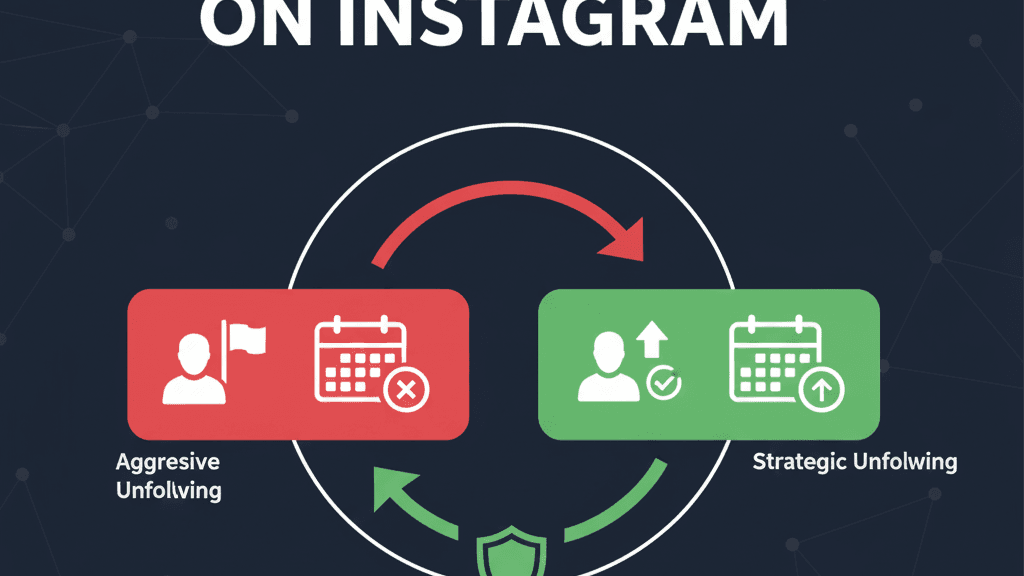
The unfollow button is simple. The harder part is deciding who to remove, moving at a safe pace, and avoiding behavior that looks automated. Instagram does not publish a fixed public unfollow limit, so the safest strategy is not to chase a magic number: review your list, unfollow manually in small batches, and stop if the app shows any warning signs.
TheUnfollower is built around that safer approach. It helps you analyze your own Instagram data export and see who is not following you back, without asking for your Instagram password and without performing unfollow actions for you. You stay in control from start to finish.
Before You Start: Know What You Are Trying to Clean
Not every non-follower needs to go. Some accounts are worth following even if they do not follow you back: creators you learn from, brands you like, potential clients, industry news pages, close friends with private habits, or accounts that simply make your feed better.
A good Instagram cleanup is not about punishing everyone who does not follow back. It is about removing accounts that no longer deserve your attention. Before unfollowing, decide what your goal is:
- Reduce feed noise and see more posts you actually care about.
- Improve your follower-to-following ratio and make your profile look more intentional.
- Stop following inactive, irrelevant, or low-quality accounts.
- Review old follow-for-follow relationships that no longer make sense.
- Build a healthier Instagram routine with fewer distractions.
If your main goal is ratio improvement, you may also want to read our guide to the Instagram follower-to-following ratio and the deeper breakdown of an optimal follower ratio for Instagram growth. Those articles can help you decide how aggressive your cleanup should be.
Step 1: Download Your Instagram Data
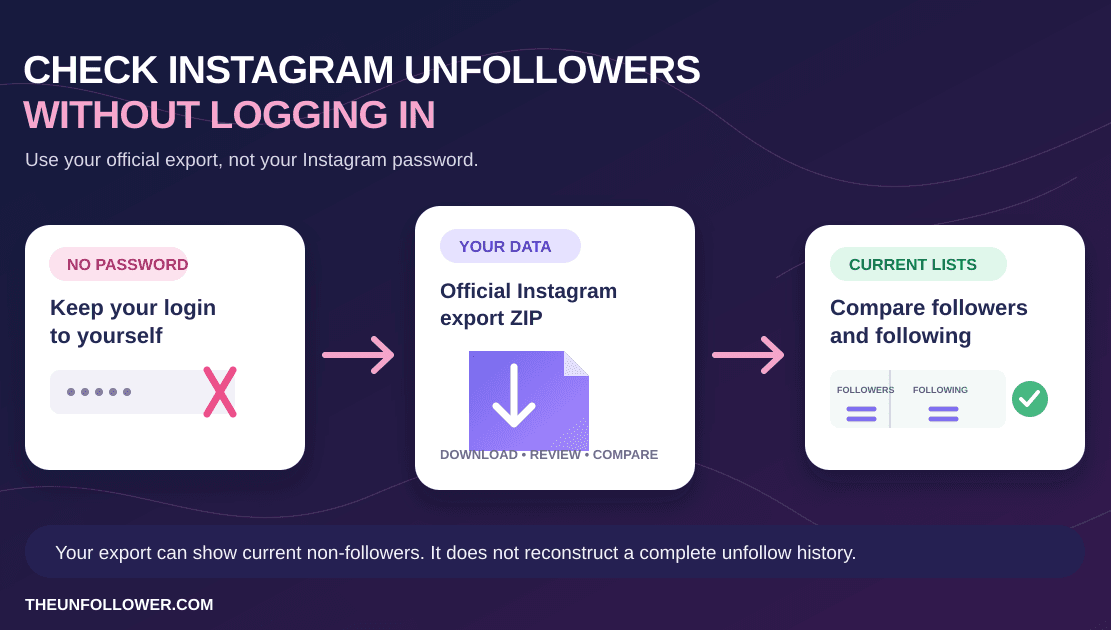
The safest way to find non-followers is to work from your own Instagram data export. This avoids login-sharing, scraping, browser extensions, and apps that promise to control your account.
Instagram lets you request a copy of your information from Accounts Center. The exact menus can change, but the general flow is:
- Open Instagram and go to your profile.
- Open the menu and go to Accounts Center.
- Find the option for Your information and permissions.
- Choose to download or export your information.
- Select Instagram, then request the follower and following data.
- Wait for Instagram to prepare the file.
If you want a detailed walkthrough, use our guide on how to download your Instagram data. Once you have the file, you can use TheUnfollower to turn that raw export into a clear list of accounts that do not follow you back.
Step 2: Generate Your Non-Follower List With TheUnfollower
Go to TheUnfollower and upload the Instagram data file you downloaded. The tool compares your following list against your followers list and shows you accounts that are not following you back.
This matters because manually comparing two long Instagram lists is frustrating and error-prone. TheUnfollower gives you a focused starting point, so you can spend your time making decisions instead of copying usernames into spreadsheets.
The important safety point: TheUnfollower does not need your Instagram password. You do not authorize it to take actions on your account. It helps you understand your data, then you perform any unfollows yourself in the Instagram app.
Step 3: Review Before You Remove
Once you have a list, do not blindly unfollow everyone. Review it like an audit.
Create a quick mental category for each account:
- Keep: friends, collaborators, favorite creators, customers, prospects, niche leaders, and accounts you genuinely value.
- Remove: inactive accounts, old follow-back accounts, spammy profiles, irrelevant brands, and pages you no longer care about.
- Maybe later: accounts you are unsure about or want to check more carefully.
This review step is what makes a manual cleanup better than a one-click unfollow tool. Automation treats every account the same. A human review lets you protect relationships and avoid accidental unfollows that could hurt your network.
Step 4: Unfollow Manually Inside Instagram
After you decide who to remove, open Instagram and unfollow accounts directly in the app or website. You can keep TheUnfollower open on another tab, computer, or phone as your checklist.
A practical workflow looks like this:
- Pick a small batch from your list.
- Search each username in Instagram.
- Open the profile and confirm it is the right account.
- Tap Following, then Unfollow.
- Move to the next account slowly.
- Stop after a small batch and come back later.
Avoid rapid tapping. Avoid unfollowing hundreds of accounts in one sitting. Avoid using scripts, extensions, or tools that click for you. Instagram is designed to detect unnatural patterns, and a fast burst of repetitive unfollows can look suspicious even if your intentions are harmless.
Can You Bulk Unfollow on Instagram?
This is one of the biggest intent buckets around this topic. People search for how to unfollow on Instagram in bulk, how to unfollow a lot of people on Instagram at once, how to unfollow multiple people on Instagram, and similar wording because they want a faster cleanup.
The honest answer is: Instagram does not give most users a safe built-in one-click bulk unfollow tool.
What you can do safely is:
- Build a review list first.
- Work through that list in small manual batches.
- Spread the cleanup across multiple sessions instead of trying to finish everything at once.
That matters because "bulk unfollow" often gets interpreted as automation. The safer interpretation is not "one button removes everyone." It is "one workflow helps you clean up many accounts without risking your account."
If your real goal is speed, focus on better preparation rather than faster clicking. A reviewed list of low-value accounts will save more time than a risky mass-unfollow shortcut.
Can You Unfollow Everyone on Instagram at Once?
Usually, no — and you should be skeptical of any app or extension that promises it.
Queries like how to unfollow everyone on Instagram at once, how to unfollow all following on Instagram at once, or can you unfollow a lot of people at once on Instagram all point to the same temptation: finish the cleanup instantly.
That is exactly where account risk goes up.
A safer approach is:
- identify the accounts you actually want to remove
- unfollow them manually inside Instagram
- keep each session small and deliberate
- stop immediately if Instagram shows warnings or action blocks
If you truly need to clean up a very large following list, treat it like a multi-day process, not a single sprint.
How to Unfollow People Who Don't Follow You Back
A lot of people searching how to unfollow on Instagram really mean: how do I stop following accounts that are not following me back?
The safest workflow is:
- Request your official Instagram data export.
- Compare your
followersandfollowinglists with a password-free tool. - Review the accounts that are one-sided.
- Unfollow manually inside Instagram.
That lets you clean up the right accounts without sharing your Instagram password or relying on tools that click for you.
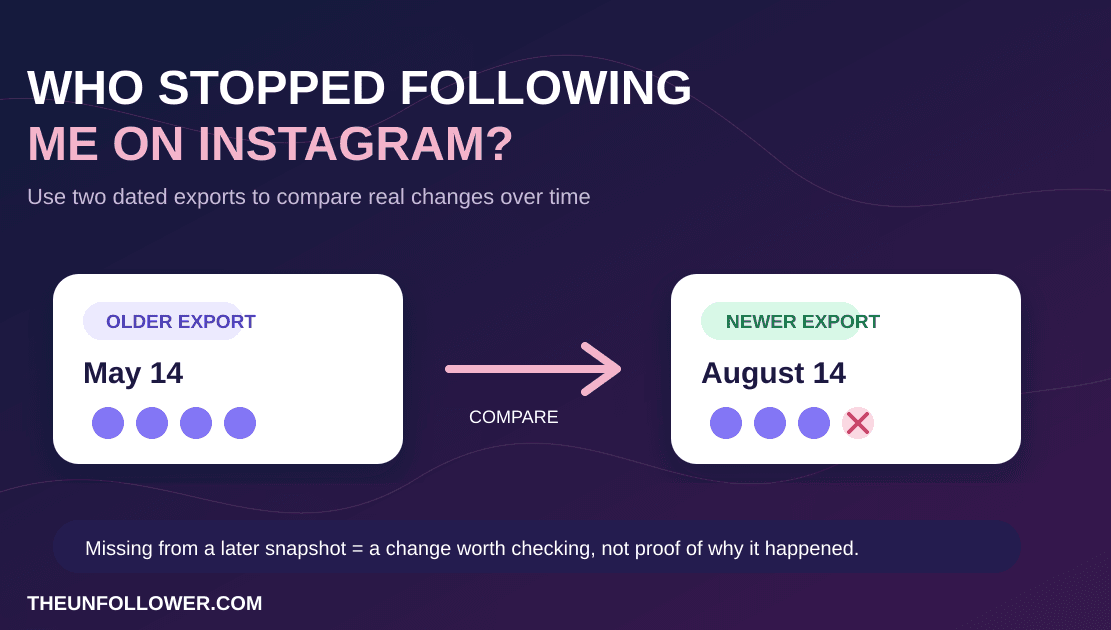
If you want the comparison workflow itself, start with how to see who unfollowed you on Instagram safely. If you want the risk tradeoff in more detail, read manual vs automated Instagram unfollow tools.
How Many Accounts Can You Unfollow Per Day?
There is no official public limit that applies to every Instagram account. Many users talk about broad ranges such as 100 to 200 unfollows per day, but treating those numbers as guaranteed is risky. A newer account, recently restricted account, or low-activity account may need to move much slower.
A conservative approach is safer:
- Start with 20 to 30 unfollows in a session.
- Wait a few hours before doing another small batch.
- Keep your daily total modest, especially during your first cleanup.
- Mix normal Instagram behavior between sessions: viewing posts, replying to messages, or closing the app.
- Stop immediately if Instagram shows an action block, warning, or unusual verification step.
If your account is important for your business, creator income, or personal brand, prioritize account health over speed. A clean following list is useful, but it is not worth a restriction.
Warning Signs That You Should Slow Down
Stop unfollowing for the day if you notice any of these signs:
- Instagram says the action cannot be completed.
- You receive an “action blocked” or “try again later” message.
- The app asks for additional verification.
- Your unfollow taps stop registering normally.
- You feel tempted to rush through a huge list.
If a warning appears, take a break. Do not keep testing the limit. Waiting 24 to 48 hours is usually smarter than repeatedly trying the same action and creating more suspicious activity.
Why Manual Unfollowing Is Safer Than Automation
Automated unfollow apps sound convenient because they promise to remove non-followers in bulk. The problem is that convenience often comes with serious tradeoffs.
Many automation tools require your Instagram login credentials. That creates security risk. Some tools interact with Instagram in ways that violate platform rules or resemble bot behavior. Even if an app claims to be safe, you may not know exactly what it is doing behind the scenes.
Manual unfollowing is slower, but it gives you three big advantages:
- You keep your password private.
- You control the pace and can stop instantly.
- You make smarter decisions about who is worth keeping.
For more detail, read our comparison of manual vs automated Instagram unfollow tools. The short version is simple: use software to analyze your data, not to control your account.
Related guides
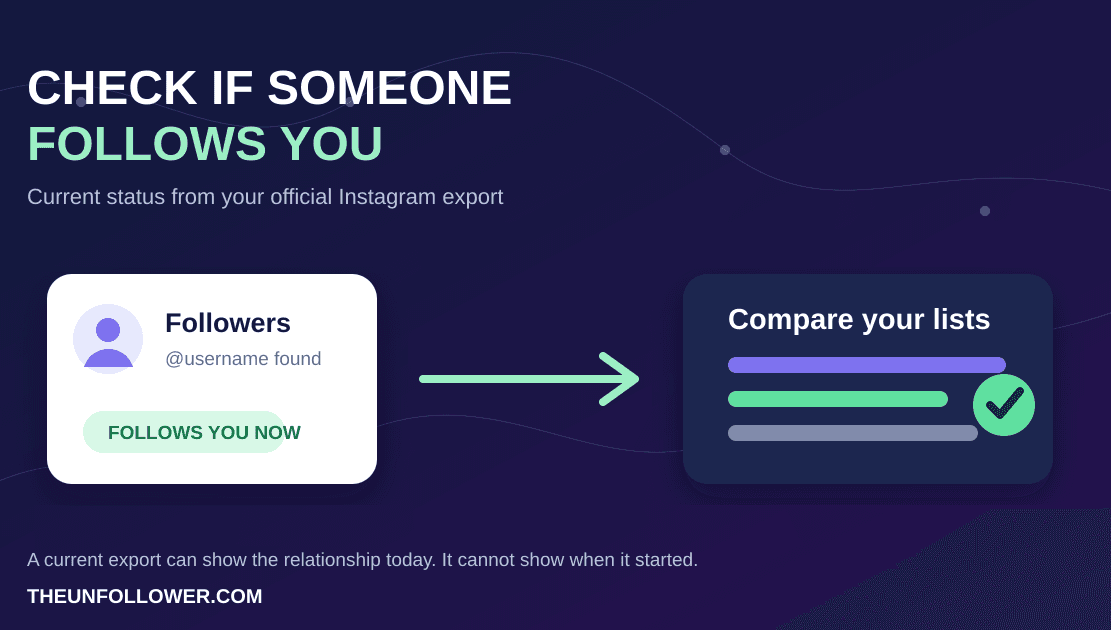
Before removing accounts, use the safer workflow for checking who unfollowed you on Instagram. If you only want to confirm whether one account follows you now, see How to Check If Someone Follows You on Instagram. If you are deciding between speed and safety, read manual vs automated Instagram unfollow tools. For a cleaner review process, use Smart Tabs to organize your unfollow list, then revisit why it is worth cleaning your Instagram following list.
Also cleaning up X/Twitter? Compare your archive with the Twitter unfollower tracker and read the Twitter followers vs following list guide before making manual cleanup decisions.
FAQ
How do I unfollow someone on Instagram?
Open the person's profile in Instagram, tap Following, then tap Unfollow to confirm. If you are cleaning up several accounts, pause between small manual batches instead of using a tool that clicks for you.
Is it safe to unfollow people on Instagram?
Yes, unfollowing is a normal Instagram action. The risk comes from doing it too quickly, using automation, or repeating the same action in a way that looks like a bot. Manual, paced unfollowing is the safer approach.
How do you unfollow multiple people on Instagram?
Instagram usually does not offer a true bulk-unfollow button for normal accounts. The safer method is to prepare a review list first, then unfollow manually in small batches inside Instagram.
Can you unfollow a lot of people on Instagram at once?
You can clean up a lot of accounts over time, but trying to do them all at once is where action blocks and account-health risk increase. Think in sessions, not one huge burst.
Can you unfollow everyone on Instagram at once?
Usually no, at least not through a safe built-in Instagram workflow. Be cautious with apps or extensions that promise one-click mass unfollowing, because they often rely on risky automation.
How do I unfollow people who don't follow me back on Instagram?
The safest method is to compare your followers and following lists from your official Instagram data export, review the non-follower list, and then unfollow manually. For that workflow, see how to see who unfollowed you on Instagram safely.
Does Instagram notify someone when you unfollow them?
Instagram does not send a direct notification that says you unfollowed someone. They may still notice later if they check their follower or following list.
Does TheUnfollower unfollow people for me?
No. TheUnfollower helps you identify accounts that do not follow you back from your Instagram data export. You decide who to remove and unfollow manually inside Instagram.
Do I need to give TheUnfollower my Instagram password?
No. TheUnfollower works with the data file you request from Instagram. You should be cautious with any service that asks for your Instagram login just to find non-followers.
Should I unfollow everyone who does not follow me back?
Not necessarily. Keep accounts that provide value, inspiration, relationships, or business opportunities. A good cleanup is about quality, not revenge.
How often should I clean my following list?
For most users, a monthly or quarterly review is enough. If you follow many accounts every week, you may want to check more often.
Clean Up Your Instagram the Smart Way
The best way to unfollow on Instagram is not the fastest way. It is the safest, most intentional way: analyze your data, review the list, unfollow manually, and pace yourself.
Start with TheUnfollower to find accounts that are not following you back, then use Instagram directly to clean your following list without sharing your password or relying on risky automation. If you want to understand why regular maintenance matters, continue with why you should clean your Instagram following list.