Who does not follow me back on Instagram? A current non-follower check
Instagram does not provide a built-in list of everyone who unfollowed you. But you can see who does not follow you back now by comparing your official followers and following export—without giving a tracker app your Instagram password.
That distinction matters: a current export can show who does not follow you back now. To identify a genuine historical unfollow, you need a previous follower snapshot to compare with a later one.
This guide is for the current non-follower question: who you follow that does not follow you back today. It explains what one export can show, what it cannot prove, and how to avoid handing a tracker app your password. If you are looking for the password-free upload tool itself, use TheUnfollower.
Can you see who unfollowed me on Instagram online?
Yes. A downloaded Instagram export can show current non-followers without giving a tracker app your password. If you searched “who unfollowed me on Instagram,” remember that one export answers the current-state question, not a complete historical unfollow.
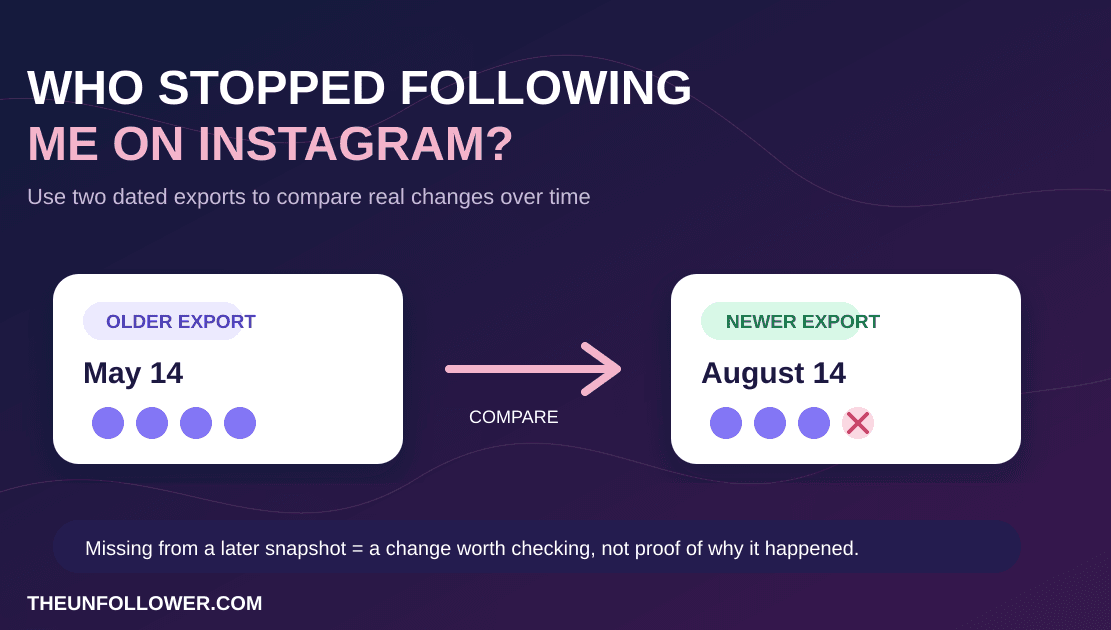
A downloaded Instagram export can show who you follow that does not follow you back today. It cannot prove a historical unfollow from one file alone. To see who stopped following you over time, compare an older follower snapshot with a newer one; use Who Stopped Following Me on Instagram? for that workflow.
Choose the guide that matches your goal
These questions are related, but they need different answers:
- Who does not follow me back right now? Stay on this guide. One official export can compare your current
followingandfollowerslists without sharing your password. - Who stopped following me over time? Use Who Stopped Following Me on Instagram?. That historical question needs an older follower snapshot and a newer one.
- How do I unfollow someone or clean up my following list? Use How to Unfollow on Instagram Safely for the manual steps and pacing guidance.
- Should I use an auto-unfollow or mass-unfollow tool? Use Instagram Auto Unfollow vs Manual Cleanup for the safety trade-off and a password-free alternative.
TheUnfollower helps with the first job: identifying current non-followers from your own export. It does not claim to reconstruct historical unfollows from one file or automate account actions.
See who does not follow you back—without your password
Upload your official Instagram export ZIP to compare followers vs following. This identifies the current gap, not a complete historical unfollower list. No Instagram login, no password sharing, and no auto-unfollow bot.
Check Your ExportWhat is the difference between “who unfollowed me” and “who doesn't follow me back”?
People search both phrases as if they mean the same thing, but they are slightly different:
- Who doesn't follow me back = a current-state comparison. You follow them, but they do not follow you right now.
- Who unfollowed me = a history question. They followed you before and stopped later.
A single Instagram export is best for the first problem. It gives you the data to see which accounts you follow are not following you back now.
If you want the second answer more accurately, save exports over time and compare snapshots. That gives you a safer version of “tracking” without handing your account over to a login-based app.
For the distinct historical question—who stopped following me on Instagram?—use our snapshot-comparison guide. This guide remains the home for the current non-follower check from one export.
Why Instagram does not show unfollowers directly
Instagram is designed around your live profile, not a full follower-history dashboard. You can:
- open your followers list
- open your following list
- search usernames manually
- request your account data export
What Instagram does not give you is a clean official “unfollowers report” page.
That gap is why so many people end up searching for an Instagram unfollower tracker, who unfollowed me app, or how to see who doesn't follow me back on Instagram. The problem is not the desire to check. The problem is the method many tools use.
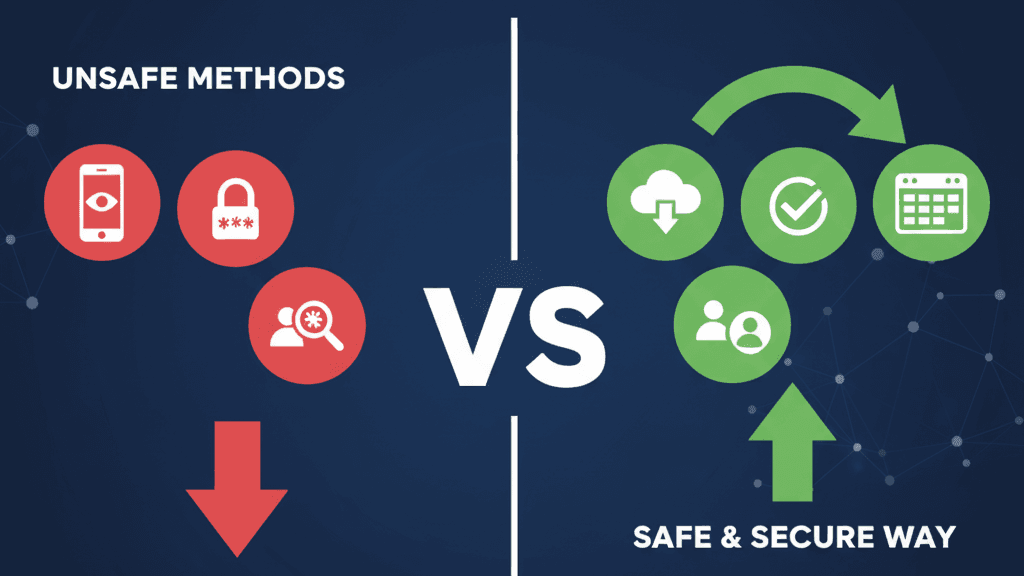
Why most Instagram unfollower apps are risky
Many apps promise one or more of these:
- instant unfollower alerts
- live tracking
- one-click mass unfollow
- automatic cleanup
- account analytics after you log in
The usual catch is that they want your Instagram username and password, or they want ongoing direct access to your account.
That creates avoidable risks:
- Account access risk: you are trusting another service with your login.
- Automation risk: repeated account actions can look suspicious.
- Privacy risk: the app may see more than the one report you wanted.
- Bad cleanup risk: bulk tools can remove accounts you actually wanted to keep.
- Recovery risk: if something goes wrong, getting back to a healthy account can be painful.
If a tool needs your Instagram password to tell you who unfollowed you, it is not the safest option.
The safe no-password method for current non-followers
For the current-state question—who you follow that does not follow you back—the safest practical route is to work from data Instagram already lets you download.
Here is the workflow:
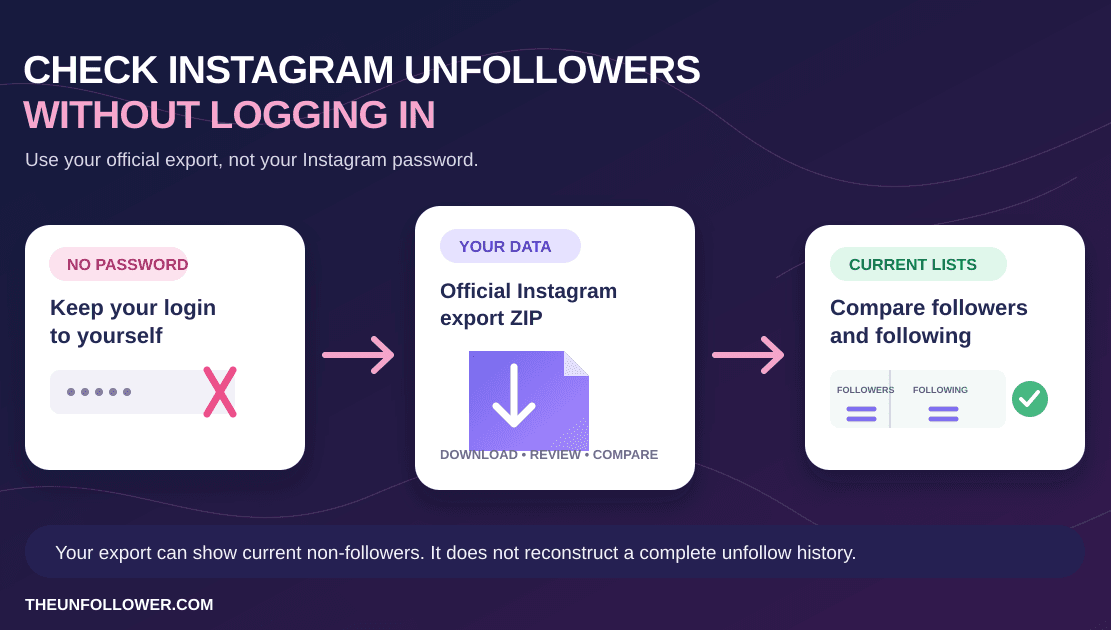
- Request your official Followers and following export from Instagram Accounts Center.
- Download the ZIP Instagram prepares for you.
- Upload that ZIP to a password-free analyzer.
- Compare your
followinglist against yourfollowerslist. - Review the non-followers manually before unfollowing anyone.
This approach is safer because you are not logging a third-party tool into your Instagram account. You are analyzing your own export file instead.
If you need the exact export steps, start with How to Download Your Instagram Followers List Safely or see the visual product walkthrough on How It Works. If you want to compare saved exports over time, use Follower Insights. For quick definitions and troubleshooting, see the FAQ.
How TheUnfollower helps
TheUnfollower is built around the export workflow, not direct Instagram login.
It helps you with four practical jobs:
- Upload your official ZIP instead of sharing a password.
- Compare followers vs following to show who does not follow you back.
- Repair messy export formats when Instagram's newer ZIP structures confuse older tools.
- Review the list safely so you can clean up manually inside Instagram.
That is the product truth:
- no Instagram password required
- no account connection required
- no auto-unfollow bot
- no fake promise of magical live monitoring
For privacy details, read the Privacy Policy.
What if your Instagram export ZIP looks wrong?
This is one of the best reasons to use a tool built around Instagram's newer exports.
Sometimes the issue is not that hundreds of people suddenly unfollowed you. The issue is that the ZIP file is messy, outdated, partially wrong, or structured differently than older analyzers expect.
Common signs of a bad or misread export include:
undefinedor blank usernames- suspiciously huge non-follower counts
- deactivated or ghost-looking accounts in results
- counts that do not seem to match Instagram
- tools that reject a valid Instagram ZIP
If that sounds familiar, read Instagram Followers and Following ZIP Wrong? How to Fix Your Export and Instagram Follower Count Wrong? 7 Causes and Safe Fixes.
Can you check who unfollowed you without an app?
Yes, but there are two versions of “without an app.”
Fully manual method
You can manually search your followers and following lists inside Instagram and compare usernames one by one. That works for small accounts, but it becomes frustrating fast.
Safer assisted method
You can use your official export ZIP and a password-free analyzer like TheUnfollower. This is still safer than an app that logs into Instagram as you, because the analysis is based on the exported file rather than direct account access.
So when people ask how to see who unfollowed you on Instagram without app, the better answer is usually: skip the risky login app and use your export instead.
Can you see who unfollowed you without your password?
Yes. That is exactly the point of the safer workflow.
You do not need to give TheUnfollower your Instagram password. You do not need to connect your Instagram account. You only need the official ZIP that Instagram already lets you download.
That makes this a better fit for searches like:
- who unfollowed me on Instagram without password
- Instagram unfollower tracker no login
- who doesn't follow me back without app
Is there a safe Instagram unfollower tracker?
There can be a safer version of “tracker,” but the word is often misleading.
If “tracker” means a tool that:
- asks for your Instagram login
- keeps constant watch on your account
- promises live unfollower alerts
- automates actions for you
then that is usually the riskier version.
If “tracker” means a tool that helps you compare official account exports over time, then yes — that can be a safer, more truthful model.
TheUnfollower fits the second model:
- analyze official export ZIPs
- compare snapshots over time if you save them
- identify current non-followers clearly
- keep the cleanup manual and controlled
What if you want to clean up your following list?
A current non-follower list is not an instruction to unfollow everyone on it. It is only a review list. For the separate question of how to remove accounts safely and manually, read How to Unfollow on Instagram Safely and Instagram Auto Unfollow vs Manual Cleanup: Which Is Safer?.
What TheUnfollower can and cannot honestly tell you
What it can help with
TheUnfollower can help you answer:
- Who doesn't follow me back on Instagram right now?
- Which accounts am I following one-sided?
- How can I check non-followers without giving up my password?
- How can I clean up safely from an official export ZIP?
What it cannot honestly promise
It should not pretend to give you:
- a perfect built-in Instagram unfollow history
- live account monitoring without tradeoffs
- automatic unfollowing on your behalf
- private account access beyond what Instagram includes in your export
That honesty matters. A tool should explain the limits instead of hiding them behind vague “unfollower tracker” language.
FAQ: who unfollowed me on Instagram
Can Instagram show me exactly who unfollowed me?
Not with a simple built-in report. Instagram gives you current follower data and an export option, but not a one-click unfollower history page.
Is “who unfollowed me” the same as “who doesn't follow me back”?
Not exactly. “Doesn't follow me back” is about the current gap between following and followers. “Unfollowed me” is a historical change over time.
Can I check who unfollowed me without logging into a tracker?
Yes. Download your official Instagram export and compare it with a password-free tool like TheUnfollower instead of giving a third-party app your login.
Can I see who doesn't follow me back on Instagram for free?
Yes. The free, safer route is using your official export and checking the file without handing your account password to a login-based service.
Why do some tools show the wrong non-follower count?
Because Instagram exports have changed, and older analyzers can misread newer ZIP structures, renamed fields, deactivated accounts, or incomplete files.
Can I see recent unfollowers from one current export?
Not reliably. One export can show the accounts that do not follow you back now, but it cannot establish when a particular account stopped following you. To identify recent or historical unfollows, keep an older follower snapshot and compare it with a newer export. See who stopped following me on Instagram for that comparison.
How do I find who unfollowed me safely?
Start with the question you can answer from your data. For a current review list, compare the official following and followers lists in your export without sharing your Instagram password. For historical changes, compare two saved snapshots rather than relying on a login-based tracker.
Does Instagram notify someone when I unfollow them?
Instagram does not send a standard notification saying that you unfollowed an account. They may still notice a changed follower count or check their followers list, so treat unfollowing as a personal decision and review your list before acting.
Why would someone unfollow me on Instagram?
There is rarely one certain answer. People change interests, reduce the accounts they follow, clean up inactive connections, or simply use Instagram differently over time. An export can show a relationship change, not the reason behind it.
Does TheUnfollower need my Instagram password?
No. It is designed around your export ZIP, not your Instagram login.
The safest answer to “who unfollowed me on Instagram?”
If you want to know who unfollowed you on Instagram, do not start by giving your password to a random tracker app.
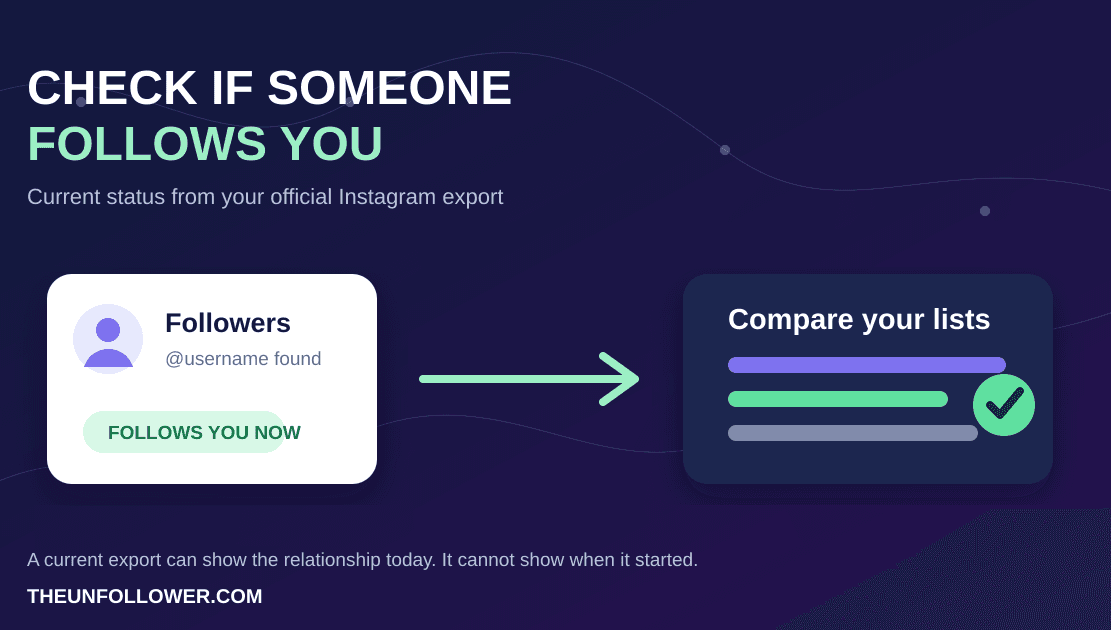
Start by separating the question. A single official Instagram export can help you compare current followers and following; it cannot reconstruct every historical unfollow. For historical changes, save exports over time and compare snapshots. To check whether a specific account follows you now, use How to Check If Someone Follows You on Instagram.
That is the safest, clearest, and most honest way to understand the answer.
Use the current non-follower tool only when that is the result you need, and avoid any service that asks for direct access to your Instagram account.